Add your website URL to get started. No manual content upload is required.



.svg)


Add your website URL to get started. No manual content upload is required.

Kommunicate scans your website pages and uses the available content to build the agent’s knowledge.

Start asking questions and see how the AI agent responds using information from your website.
Provide relevant responses using information already available across your website pages.
.png)
.png)
Customize how your AI agent responds so conversations feel consistent with your brand.
Help customers across different regions with multilingual conversations.
.png)
.png)
Collect customer details and identify visitors who are ready to take the next step.



Help customers browse menu options, customise their order, answer common questions, and submit food orders through chat.

Capture prospect details, qualify leads, understand their requirements, and route high-intent conversations to sales.

Answer common account, payment, product, and service questions while routing sensitive requests to the right team.

Answer course enquiries, support admissions, assist enrolled students, and provide information to faculty and staff.

Schedule appointments, answer patient questions, support telemedicine requests, and collect feedback automatically.
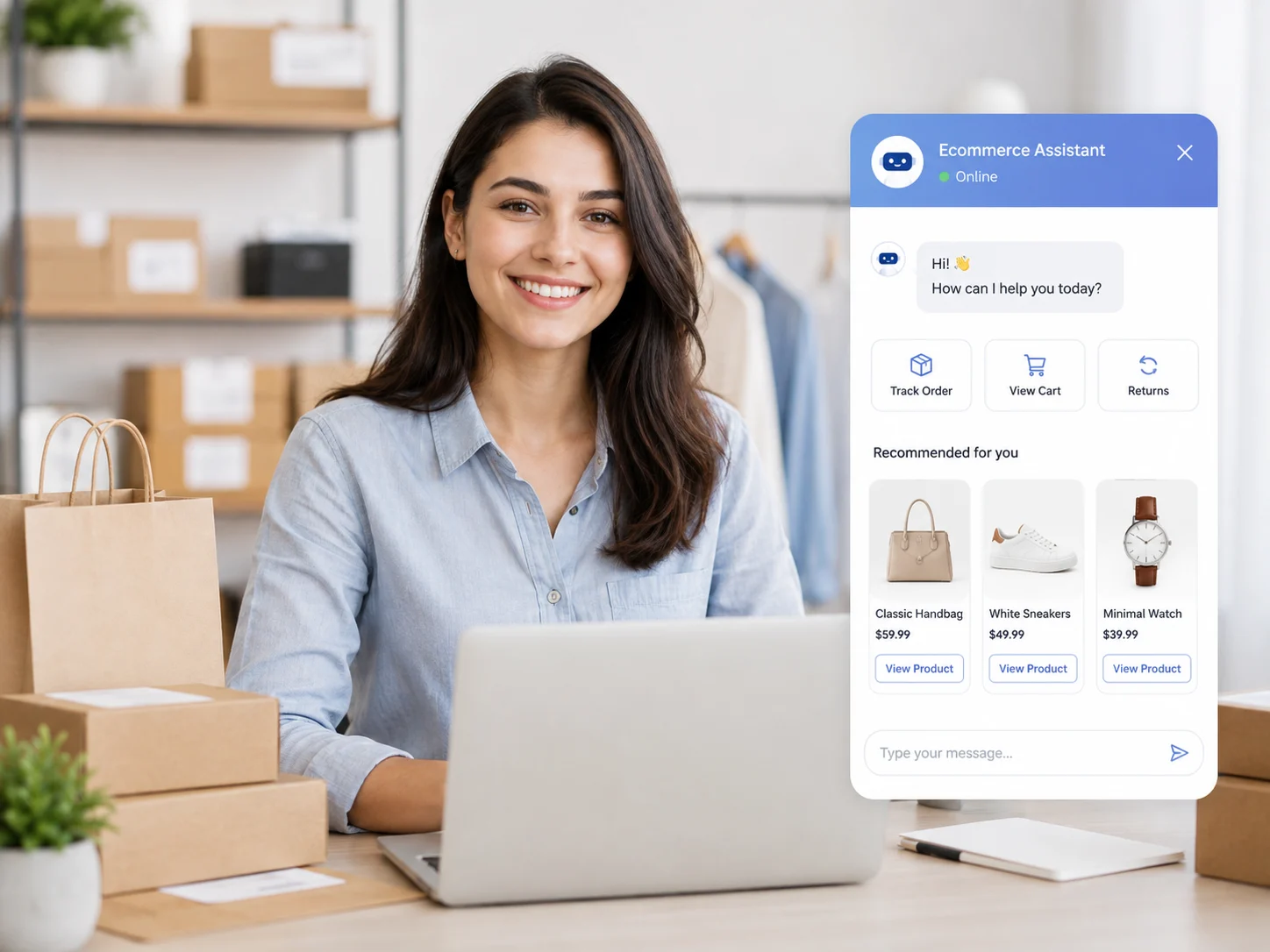
Recommend products, answer delivery questions, provide order updates, and help customers complete purchases.

Answer common questions, route complex conversations to human agents, and provide support around the clock.

An AI agent is an AI-powered assistant that can understand customer questions and respond using your business information. On this page, Kommunicate creates an AI agent using content from your website so you can test how it answers questions based on your existing pages.
Enter your website URL above, and Kommunicate will scan the available pages and use that content as the knowledge source for your AI agent. Once it is created, you can start testing it by asking questions about your website content.
No. You only need to enter your website URL. Kommunicate handles the website scanning and AI agent creation process for you, so you can test the experience without writing any code.
The AI agent can use publicly accessible content from the website pages Kommunicate is able to scan, such as product information, service pages, FAQs, help content, and other text-based information.
For most websites, the AI agent can be created within a few minutes. The exact time depends on the number of pages that need to be scanned and processed.
Yes. You can create and test the AI agent directly from this page using your website URL before deciding whether to continue with a Kommunicate account.
Yes. After signing up, you can customize the agent’s instructions, tone, knowledge sources, fallback behavior, and other settings in the AI Agent Builder. Kommunicate’s Kompose builder also supports configuring intents, responses, and handoff behavior.
Yes. After setting up your agent in Kommunicate, you can configure human handoff for cases where the AI agent cannot answer a question or when the customer asks to speak with a person. Handoff can be controlled through conversation rules, agent settings, or dedicated handoff intents.
Yes. After creating a Kommunicate account, you can deploy your AI agent on your website and connect it to your customer support experience. You can also configure how the agent appears and behaves before making it live.
Kommunicate uses enterprise security and compliance practices to help protect business and customer data. You can review Kommunicate’s security, privacy, and compliance information before deploying your AI agent.
For this free website-to-AI-agent experience, Kommunicate scans up to 250 pages. If your website has more pages, some content may not be included in the initial agent. After signing up, you can configure additional knowledge sources and build a more complete AI agent for your business.