Updated on February 6, 2026
Welcome to 2026!
To start the year, we focused on how you manage your documents within Kommunicate, and some crucial editing and formatting changes on the product dashboard. We also worked to fix bugs with auto-resolve on WhatsApp and bot reply quality.
Let’s dive in!
Feature
Manage Documents in Knowledge Source
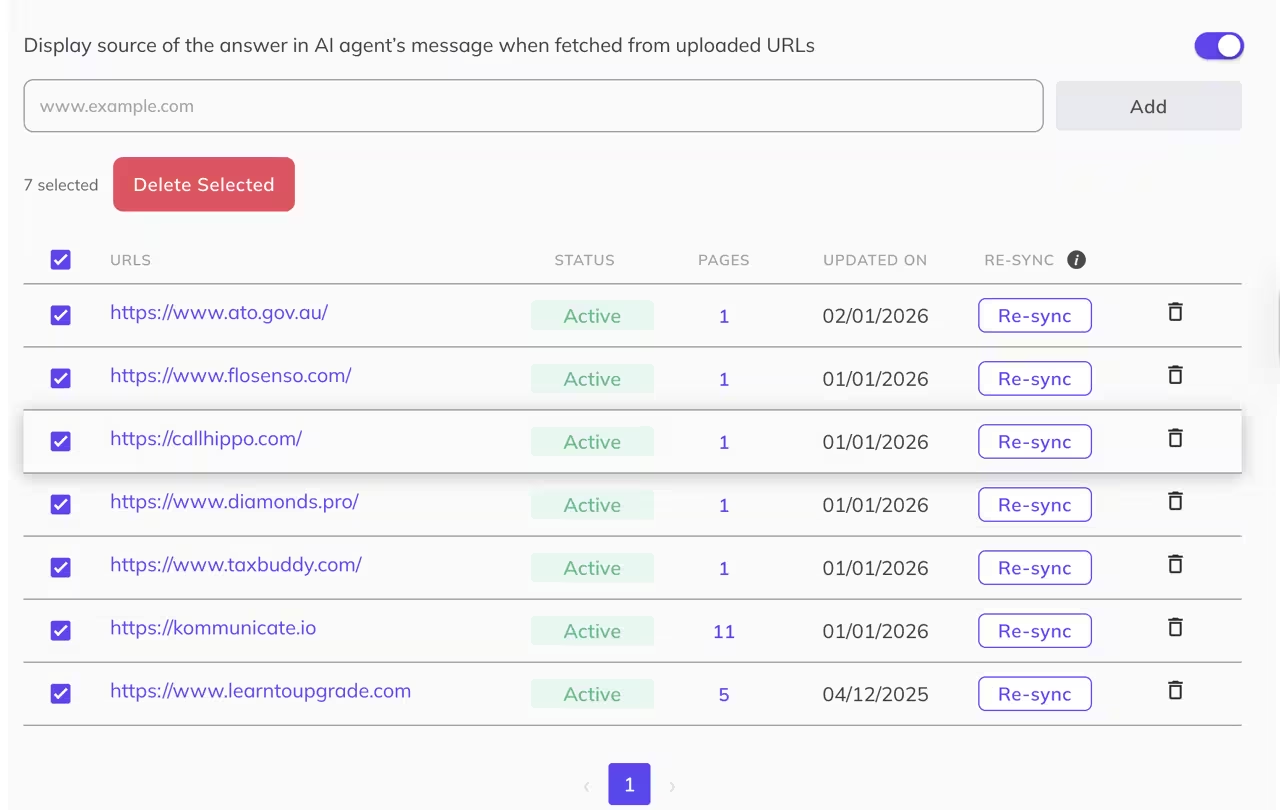
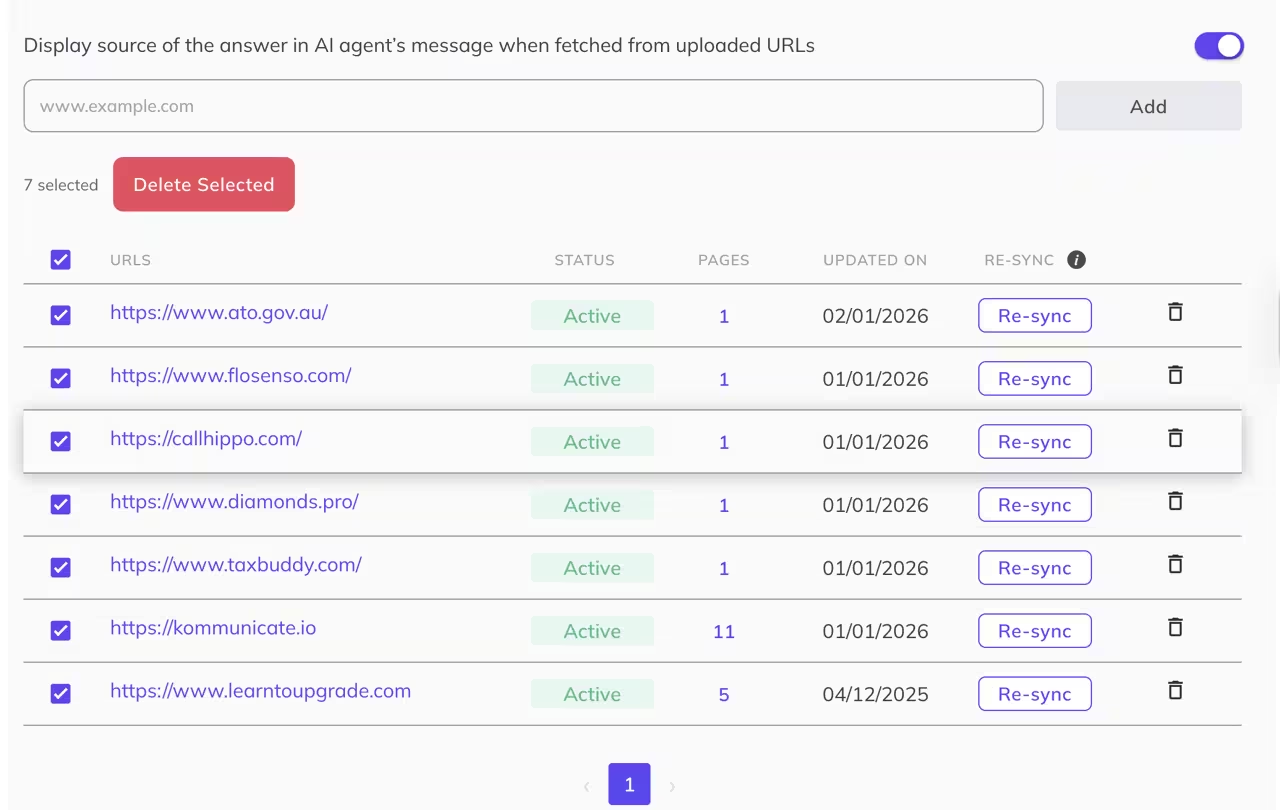
Editing and managing your knowledge source just became easier. You can now select and delete multiple documents from your knowledge source on Kommunicate to update your AI agent’s messages. Just go to Manage Agents -> Agent Builder -> Knowledge Source to keep customer service responses up-to-date.
Improvements
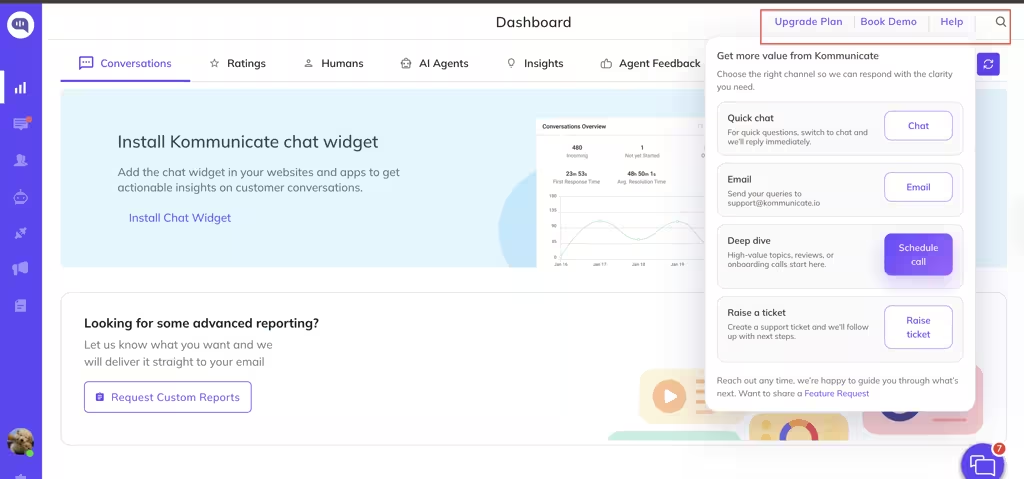
- We’ve changed the font styles and button shapes across the product dashboard for readability and consistency.
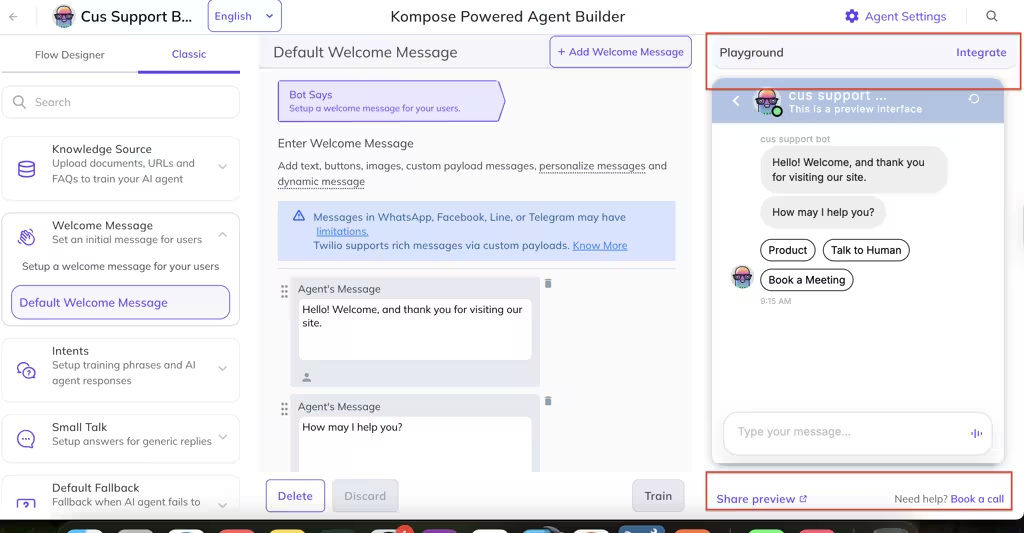
- We now preserve the formatting of your articles when you copy and paste them into our Help Centre.
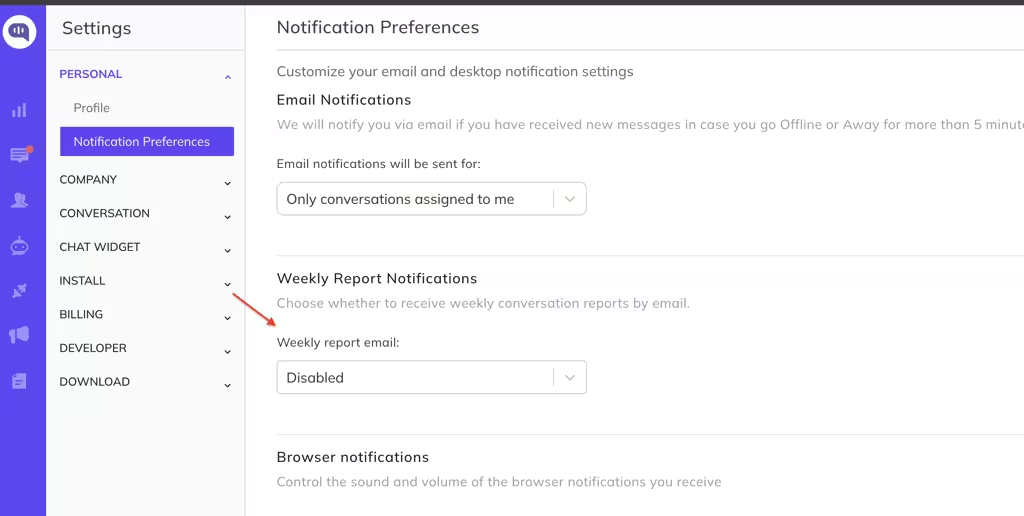
- We’ve added an option to enable or disable the weekly conversations report email on your dashboard.
Bug Fixes
- CSV-based answers are now prioritized when agents choose between multiple sources
- WhatsApp duplicate auto-resolve fixed (no more repeated auto-resolve messages)
- Analytics export mismatch fixed (downloaded report now matches dashboard numbers)
- All messages now reliably appear in the chat widget conversation list
- Large document processing fixed (no more errors with larger files)