Updated on August 25, 2026
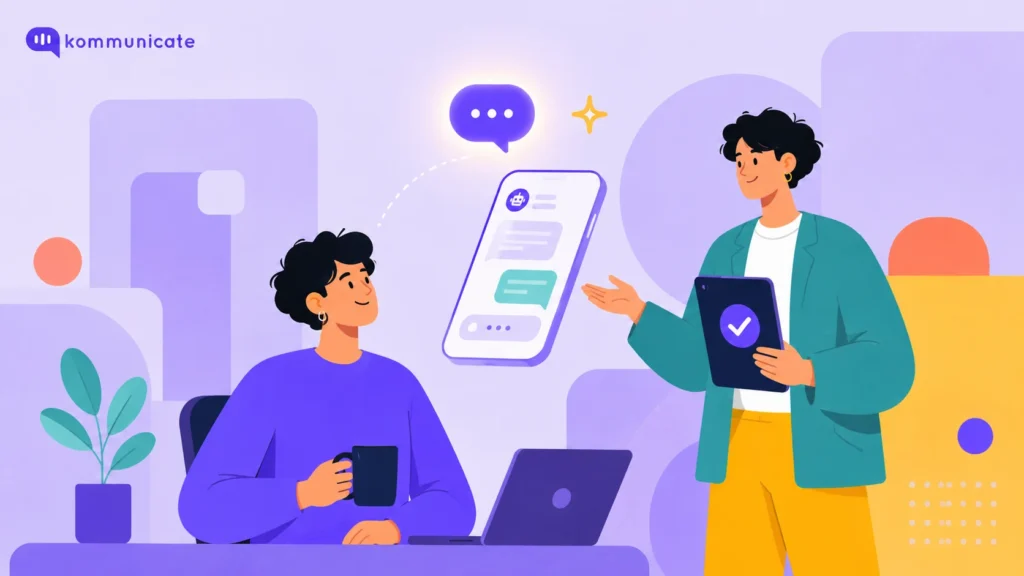
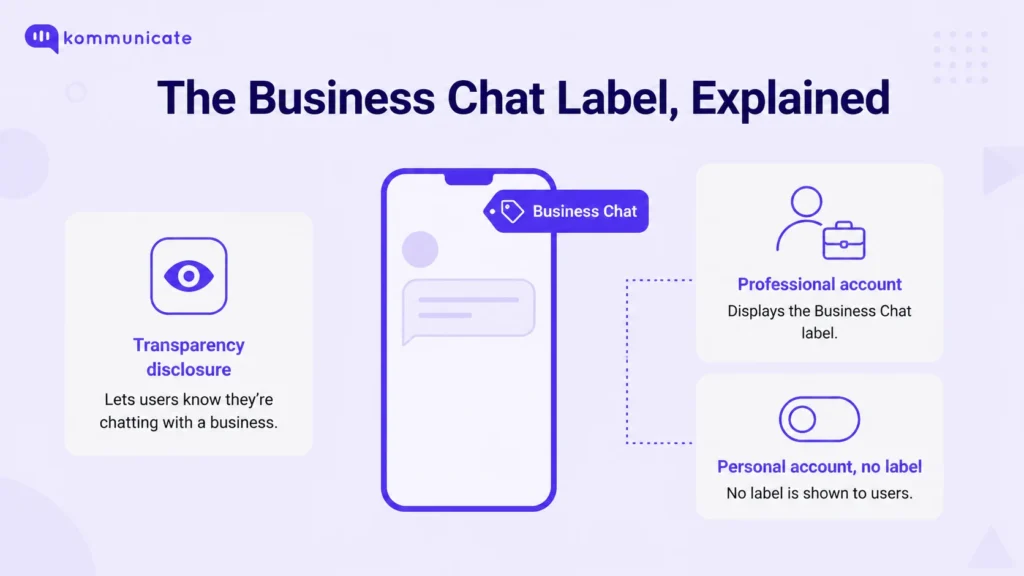
Business Chat is the label Instagram shows at the top of a direct message whenever the other side of the conversation is a Business or Creator account rather than a personal one. It appears the moment an account switches from Personal to Professional, and it stays on for as long as the account remains Professional.
Whether you’re trying to work out why this label showed up on your own DMs or you’re deciding whether Instagram is worth running as a real support and sales channel, the sections below cover both, with the business case up front and the platform mechanics covered in full further down.
- Business Chat is the label Instagram shows on DMs from any Business or Creator account, and it can only be removed by switching the account back to Personal.
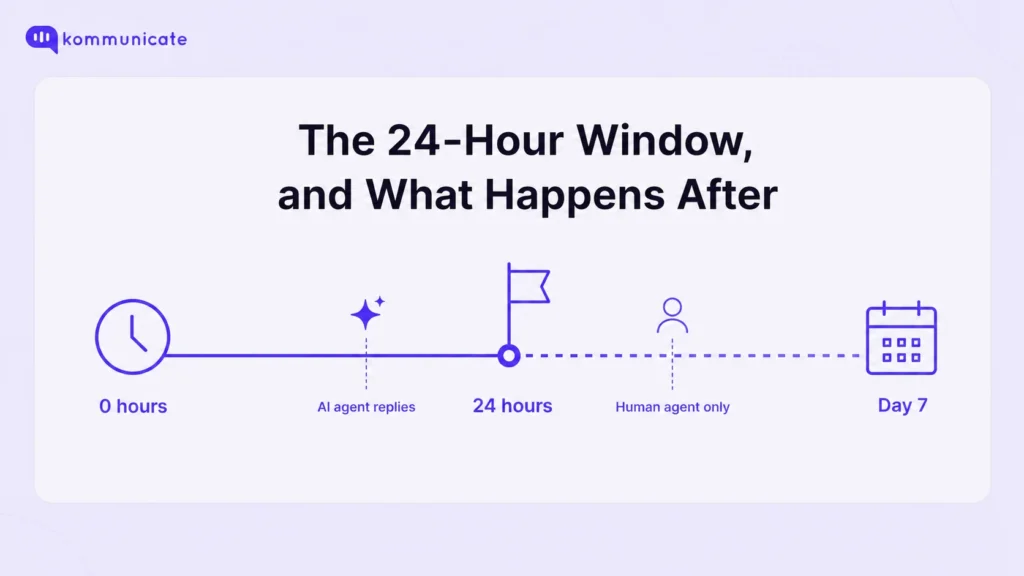
- Meta gives businesses a 24-hour window to reply to any DM, extendable to 7 more days only through a human agent, never through automation.
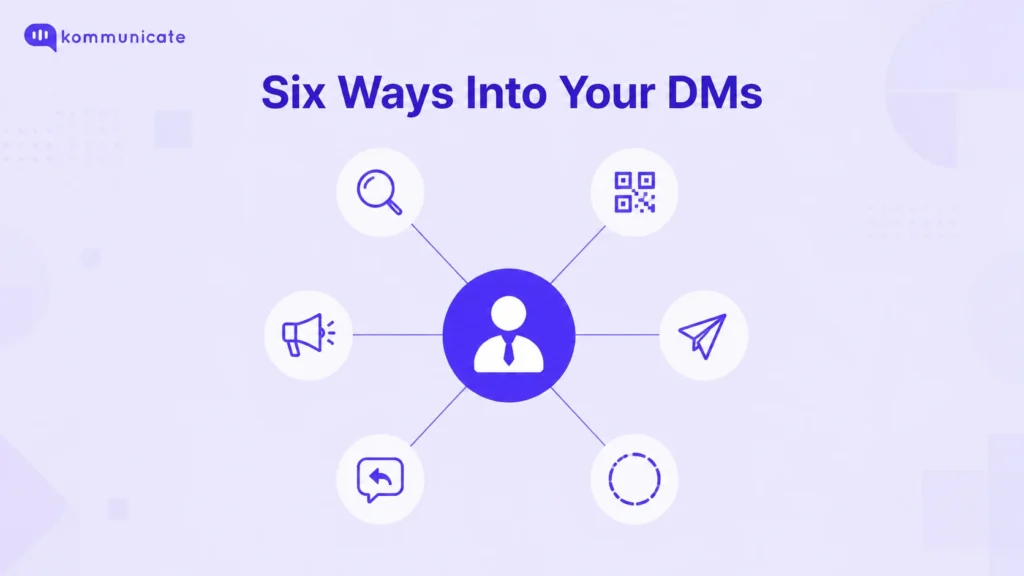
- Customers can start a Business Chat through in-app search, a profile link or QR code, Story replies, comment replies, or paid click-to-message ads.
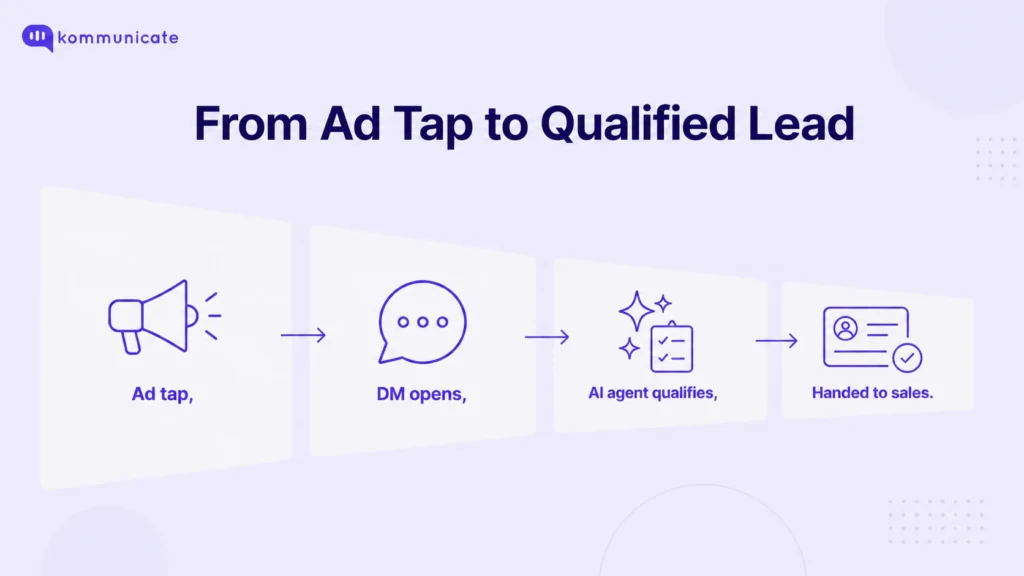
- An AI agent can qualify a lead from a click-to-message ad before handing it off to a CRM like Pipedrive or HubSpot, with the full conversation attached.
- Kommunicate’s Instagram AI agent is included from the $34/month Starter plan and can run on OpenAI, Gemini, or Anthropic models.
Why Instagram Business Chat matters for your business
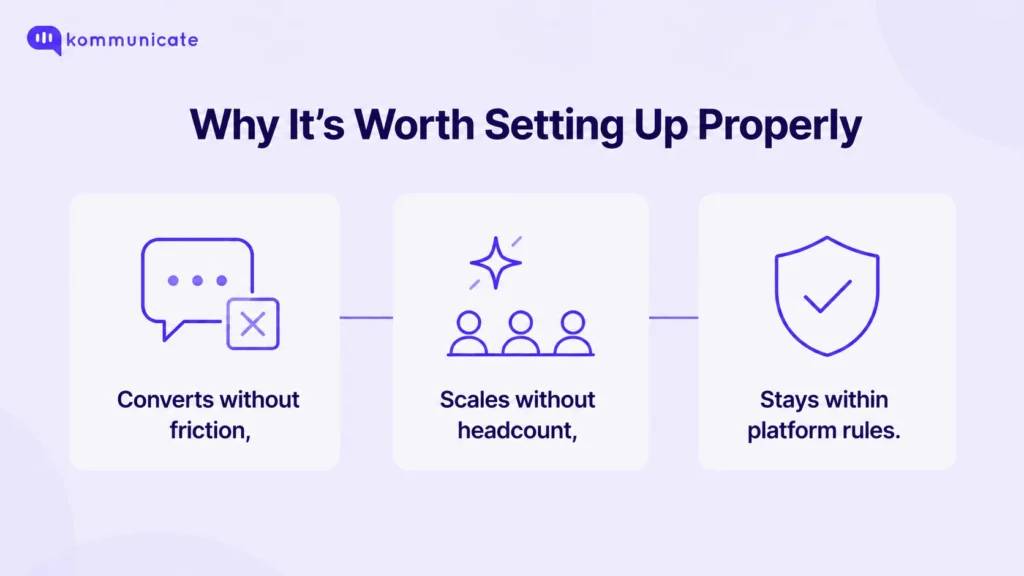
Three things make Business Chat worth setting up deliberately rather than ignoring the label. It converts without the friction of a contact form, since a tap straight into a DM skips that step entirely. It scales without proportional cost, since an AI agent can carry a volume of conversation that would otherwise need a growing team. And it comes with real platform rules attached, rules that only start to matter once a business is sending enough messages to risk breaking them.
Each of those gets the detail it needs further down: the lead mechanics, the messaging rules, and the automation setup.
How do customers actually start a Business Chat with you?
Customers reach a Business Chat through one of several entry points Instagram builds into the app, not through a single message button. Knowing which ones exist matters, because each one calls for a slightly different response strategy on the business side.
The simplest path is in-app search, where someone looks up a business by its username or profile name directly. From there, a shared profile link or QR code works the same way for an audience finding the account from outside Instagram entirely, a print ad, a website footer, or a physical storefront.
Instagram also opens a chat automatically in a few in-context moments: tapping the paper-plane icon under a post to send it, or comment on it, directly into DMs, replying to a Story a business posted, or having a business send a private reply to a public comment that reads like a question. Each of these starts the conversation with context already attached, since the business can usually see which post or Story prompted it.
The remaining path is paid: Meta’s click-to-message ads place a “Send message” button directly on an ad, on Instagram, Messenger, or WhatsApp, and route a tap straight into a DM thread instead of a landing page. That keeps the customer inside the app they were already using, rather than asking them to fill out a separate form.
Turning Business Chat into leads and sales
Click-to-message ads turn Business Chat into a real lead-generation channel, since the conversation itself becomes the conversion point. Meta runs this ad format from a single campaign across Instagram, Messenger, and WhatsApp, so the same ad can route a tap into whichever app a customer actually uses.
What happens after that tap is where most of the value gets lost or captured. An AI agent can pick up the conversation the moment it lands, ask the qualifying questions a sales rep would normally start with, budget, timeline, which product, and only escalate to a person once the lead is actually worth a human’s time, instead of every ad click landing straight in someone’s queue regardless of how serious the prospect is.
Once a conversation is qualified, it needs somewhere to go. Kommunicate hands qualified leads off into a Pipedrive integration or a HubSpot integration, whichever a sales team already runs on, with the full DM thread attached so the next person in the conversation isn’t starting from zero.
Three ways to manage Instagram Business Chat
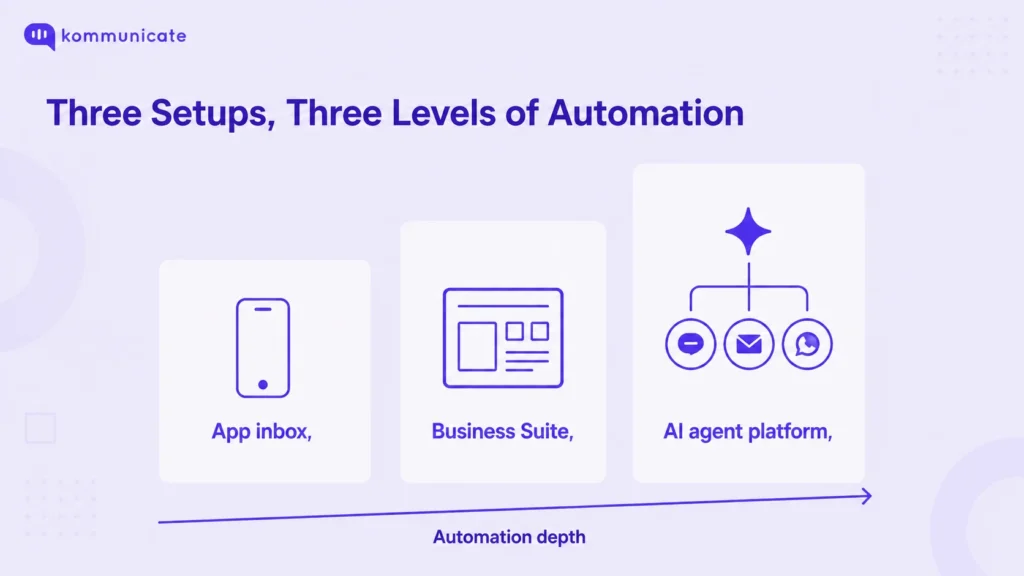
Businesses generally handle Instagram DMs through one of three setups, and which one makes sense depends almost entirely on message volume.
| Setup | Best for | Automation depth |
|---|---|---|
| Instagram app inbox | Solo accounts and very low message volume | Basic saved replies only |
| Meta Business Suite | Small teams, low to moderate volume | Welcome and away messages, simple keyword replies |
| AI agent platform connected via the Instagram API | Teams fielding high volume across multiple channels | Full automation with rules, escalation, and human handoff |
The first two options are free and built into Meta’s own tools, and they’re genuinely enough for an account that gets a handful of DMs a day. Once volume grows past what a person can comfortably track, or once a business wants the same AI agent answering on Instagram, WhatsApp, and the website at once, the third option is where that consolidation happens.
How does messaging actually work in Instagram Business Chat?
Meta gives businesses a standard 24-hour window to reply to any Instagram DM, counted from the customer’s last message. Reply inside that window using any method, manual or automated, and there’s no restriction beyond Instagram’s normal content rules.
Once that window closes, only a real person, not an automated reply, can continue the conversation, and only for up to seven additional days using what Meta calls the Human Agent allowance. This exists specifically for cases that can’t be wrapped up in a day: a refund that needs internal review, a technical issue that takes time to diagnose, or a message that landed over a weekend.
This is precisely the rule that makes human handoff a requirement rather than a nice-to-have for any business running Instagram DMs at volume. An AI agent can carry the bulk of same-day replies, but anything that drifts past 24 hours needs a person attached to the conversation, with full context, not a second automated message pretending to be one.
How to automate Instagram Business Chat with an AI agent
Automating Instagram Business Chat means connecting an AI agent to the Instagram DM API so it can answer repetitive questions the moment they arrive and hand off anything it isn’t confident about to a person, without anyone watching the inbox around the clock.
Meta Business Suite’s built-in away messages and keyword replies are a reasonable place to start for a small account, and they cost nothing. They stop being enough once a business needs the AI agent to actually understand a question rather than match a keyword, or needs Instagram, WhatsApp, and web chat handled from one place instead of three separate inboxes.
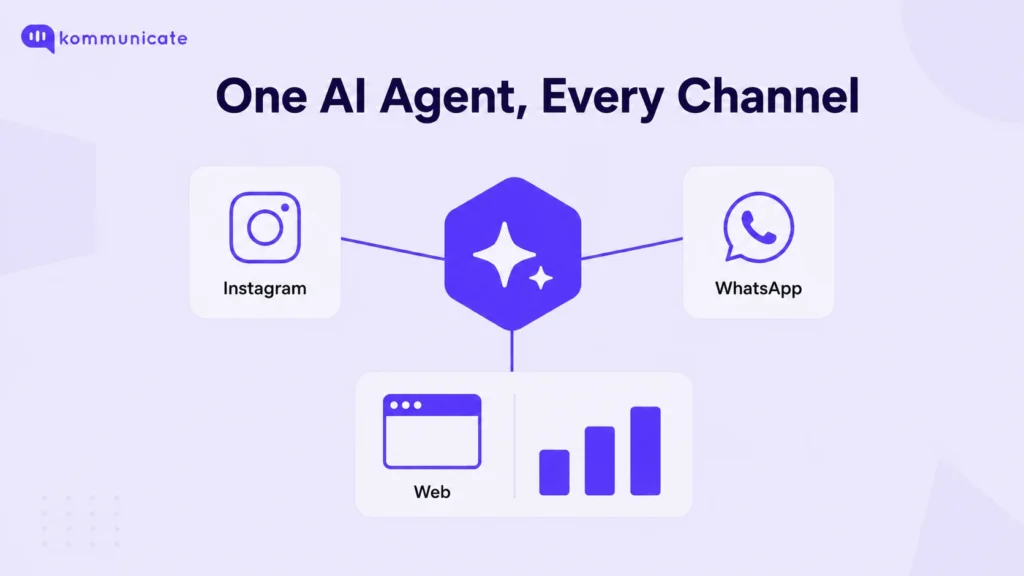
Kommunicate’s Instagram AI agent connects directly to a business’s Instagram DMs and trains itself on existing FAQs and business data, so there’s no manual scripting involved. It runs around the clock in more than 100 languages, gives every conversation a single dashboard regardless of which channel it came in on, and can run on OpenAI, Gemini, or Anthropic models depending on which a team prefers. Conversations that need a person, the kind Meta’s own 24-hour and 7-day rules require, hand off with full context attached rather than starting the customer over.
The same dashboard also shows what’s actually happening across those conversations. Enterprise business intelligence consulting can help connect this conversation data with wider sales and customer reporting. An AI summary feature condenses long threads into a quick read before a human agent picks one up, and an AI insights feature lets a manager ask plain questions about conversation patterns across every channel, instead of digging through exported spreadsheets to find out what customers keep asking.
Instagram is included from Kommunicate’s entry-level plan, alongside Web, WhatsApp, Telegram, and mobile apps, starting at Kommunicate’s pricing plans for $34 a month billed annually. Setting up the actual conversation flows, what the AI agent answers on its own versus when it escalates, happens inside the Kompose AI agent builder, without needing a developer to configure it.
What does Business Chat mean on Instagram?
Business Chat means a direct message is happening with a Business or Creator account, and since a January 2025 transparency update from Meta, it also means the conversation doesn’t get the same privacy treatment as a chat between friends and family. Meta added a “Business chats and your privacy” link inside the conversation itself, explaining how the chat may be used.
According to Meta’s own announcement at the time, the update doesn’t change Instagram’s privacy policy or terms, and it doesn’t touch personal-to-personal messages at all. What it does do is disclose that data from business conversations, things like response times and message content, can feed into how Meta personalizes ads and improves the business messaging experience.
Turning it on means switching the account type, not toggling a setting. In the Instagram app, that’s done from the profile menu: open Settings, tap Account, then switch to a professional account, and choose either Business or Creator. The label appears automatically once that switch is made, there’s no separate control for the label itself, and the exact wording can shift slightly between app versions.
Frequently asked questions about Instagram Business Chat
Messages stay visible only to the business and the customer in that conversation, the same as a personal DM. The difference is that business chats don’t carry the same end-to-end encryption Meta has rolled out for personal chats, and conversation data can be used by Meta and the business itself, which is exactly what the January 2025 transparency label is there to disclose.
No. The label stays on for as long as the account is set to Professional, whether as a Business or Creator account. The only way to remove it is to switch the account back to Personal, which also removes access to quick replies, analytics, and AI agent integrations.
A personal DM is a plain conversation between two regular accounts, with none of Instagram’s business tooling attached. Business Chat adds saved replies, automated greetings, basic analytics, and the ability to connect an AI agent through the Instagram API, none of which a personal account can access.
Yes, by default. The account owner can turn read receipts off from their own settings, which applies the same way it would on a personal account.
The bottom line
Whichever setup fits today, Meta’s free tools for light volume or an AI agent once it isn’t, the constant doesn’t change: respect the 24-hour and 7-day messaging windows, keep a person reachable when the rules require one, and treat the Business Chat label as a signal of what Meta expects, not just cosmetic text at the top of a DM. Set it up directly through Kommunicate’s Instagram AI agent page when it’s time to move past the free tier.
Written by Devashish Mamgain, Co-founder and CEO at Kommunicate, which builds AI agents for Instagram, WhatsApp, and web messaging.

Devashish Mamgain is the CEO & Co-Founder of Kommunicate, with 15+ years of experience in building exceptional AI and chat-based products. He believes the future is human and bot working together and complementing each other.

Aditi is an MBA candidate at IIM Bodhgaya, specializing in Marketing and Strategy. As a dedicated marketer, she brings practical experience in market research, data analytics, and B2B execution to her work. Her expertise in refining product positioning and driving go-to-market strategies consistently supports insight-driven business growth.