Updated on May 8, 2026
This April focused on making integrations simpler, expanding voice support, and improving reliability across the Kommunicate dashboard, Agent Builder, WhatsApp setup, and chat widget experience.
Here’s everything that shipped in April.
Features
OAuth integration for Zendesk ticketing
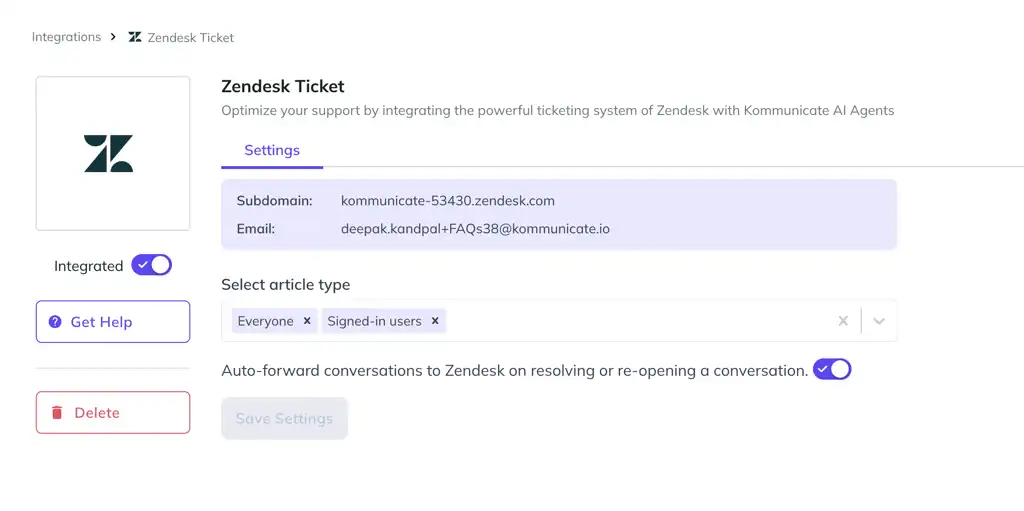
Connecting a Zendesk ticket to Kommunicate is now easier. Users no longer need to enter an API key or additional credentials to complete the integration.
With the new OAuth-based flow, users only need their Zendesk subdomain to connect Zendesk Ticket with Kommunicate.
Improvements
- We’ve added support for regional languages, such as Hindi, to our voice AI integration.
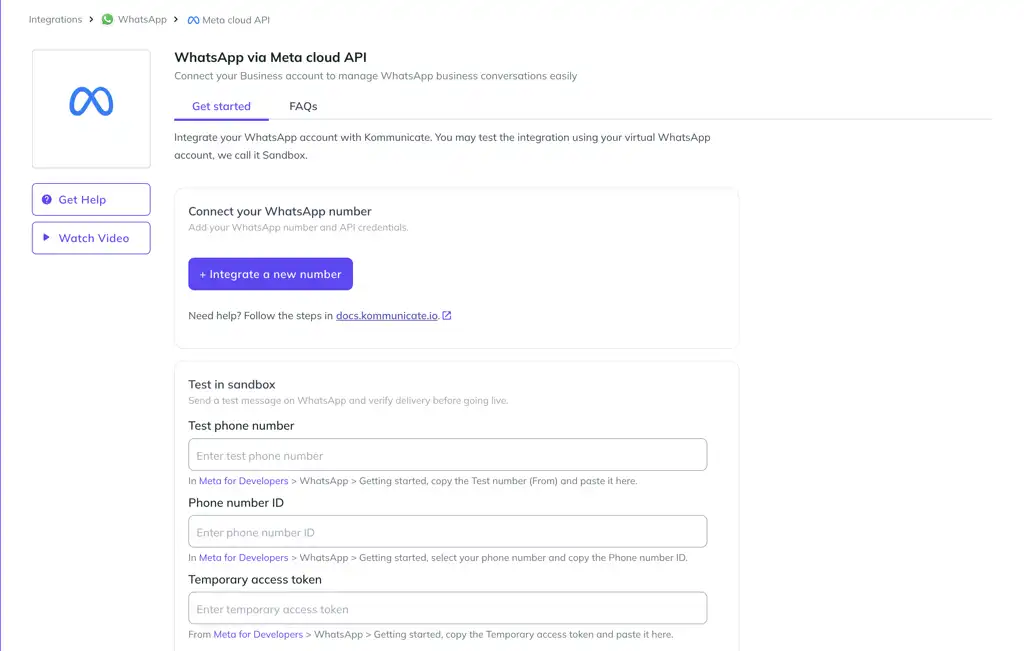
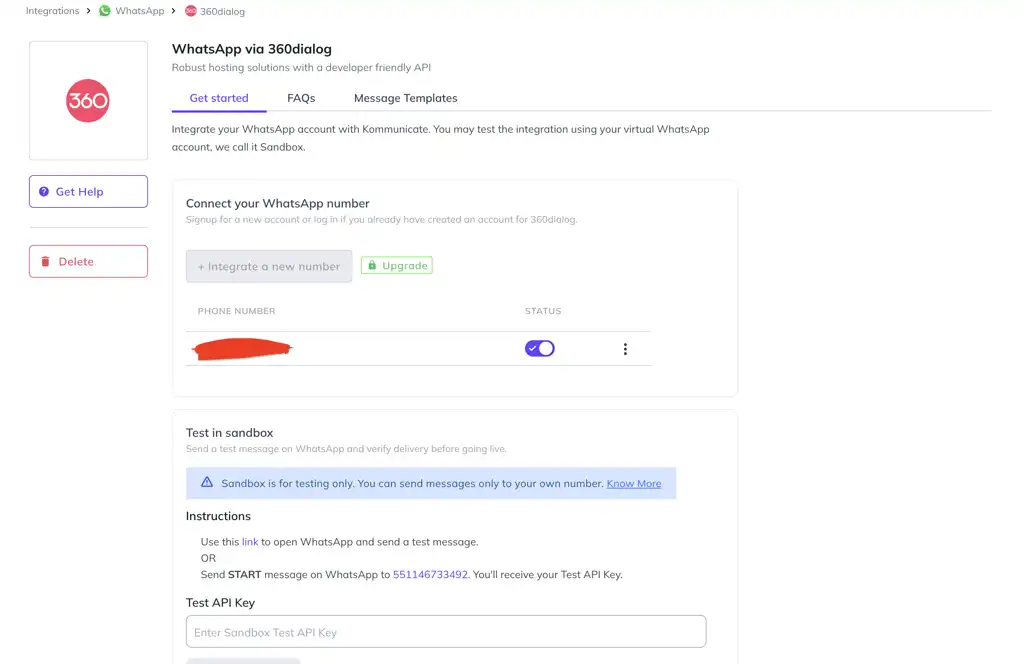
- We’ve updated the WhatsApp integration experience with more step-by-step guidance.
- We’ve added support for attachment processing. You can now access files shared by customers during conversations.
- The assignment message shown for reopened conversations has been updated. This gives agents better context when a conversation is reopened and reassigned.
- We improved how previews work in Agent Builder and chat widget customisation when authorization is enabled.
Bug Fixes
- Fixed an issue that caused the notification banner to break in the dashboard UI.
- Resolved an issue where default fallback messages were not being translated correctly.
- Fixed a TypeError that was affecting contactID
- Fixed an issue where the AI agent was speaking out characters and strings such as “:”, “https://”, and “sources” in voice mode.
- Fixed an issue in the chat widget that occurred when an agent tried to log in or when there was a password mismatch.
- Fixed a TypeError that came up in teamName