Updated on September 10, 2026
Build and launch AI agents faster with a redesigned Agent Builder and 13 industry-specific templates, get more room to write with an expandable conversation composer, and see quicker AI responses across chat and voice calls.
Here’s everything we shipped in August 2026 at Kommunicate.
New Features
Redesigned AI Agent Builder
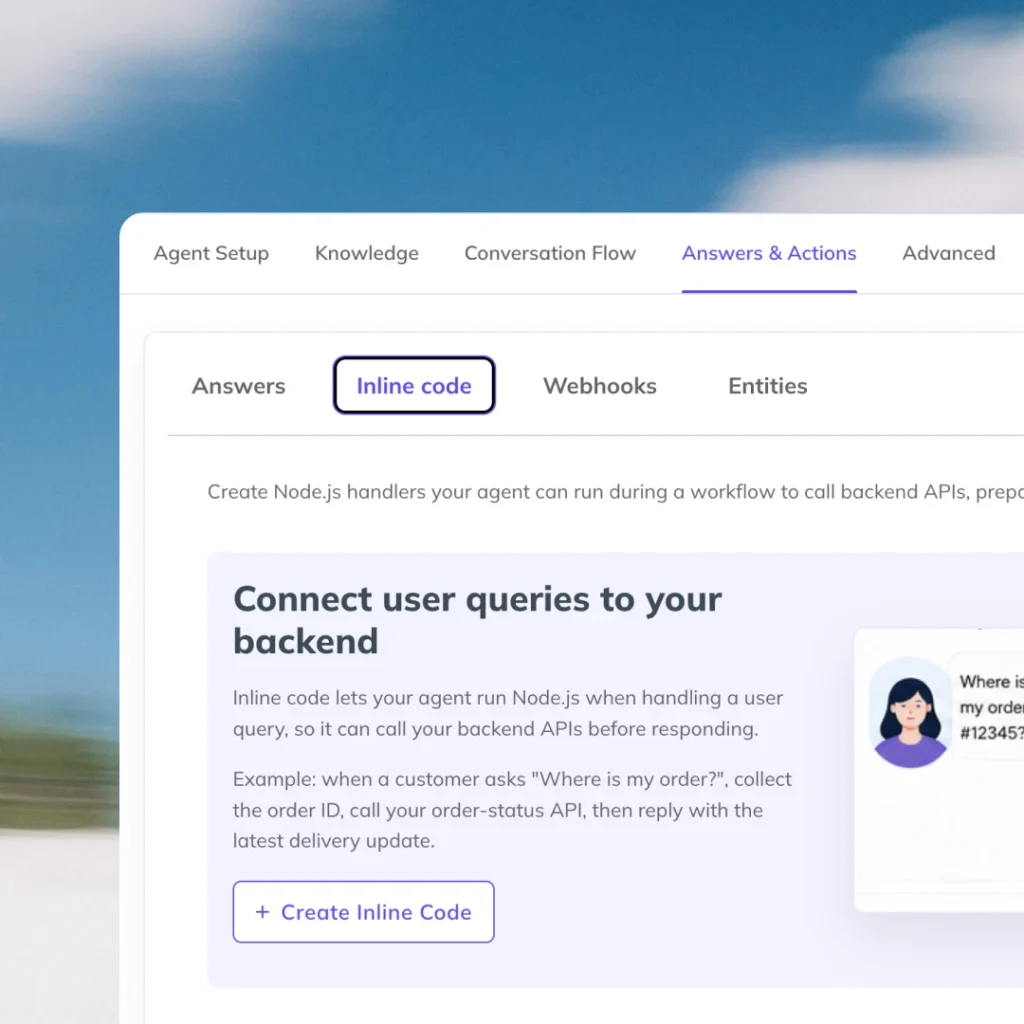
We’ve redesigned the AI Agent Builder to provide a more streamlined and intuitive experience for designing, configuring, and deploying AI agents.
The redesigned interface brings key agent-building capabilities into a unified workspace, including:
- Agent Setup
- Knowledge
- Conversation Flows
- Answers & Actions
This consolidated experience makes it easier to configure an agent and manage its core components from a single location.
We’ve also consolidated Answers, Inline Code, Webhooks, and Entities into a dedicated section, giving users greater flexibility to build advanced workflows and connect AI agents with external data sources and business systems, including databases, ecommerce platforms, and appointment booking applications.
New AI Agent Templates
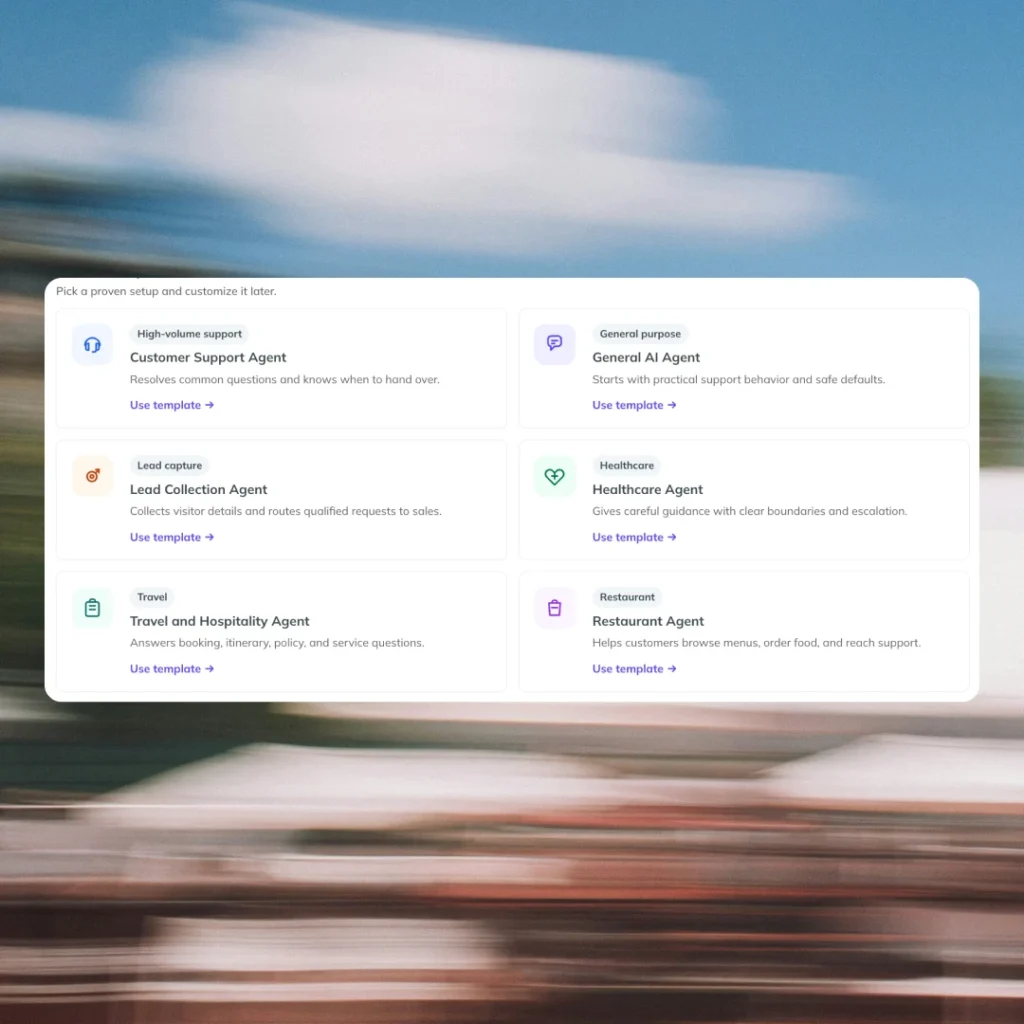
We’ve introduced 13 new industry-specific AI Agent Templates to help teams accelerate agent deployment and start with configurations tailored to their business requirements.
The new templates include:
- Customer Support Agent
- General AI Agent
- Sales Agent
- Lead Collection Agent
- Healthcare Agent
- Education Agent
- Travel and Hospitality Agent
- Restaurant Agent
- Banking Agent
- Telecom Agent
- Gym and Martial Arts Agent
- Ecommerce Agent
- Real Estate Agent
Expandable Conversation Composer
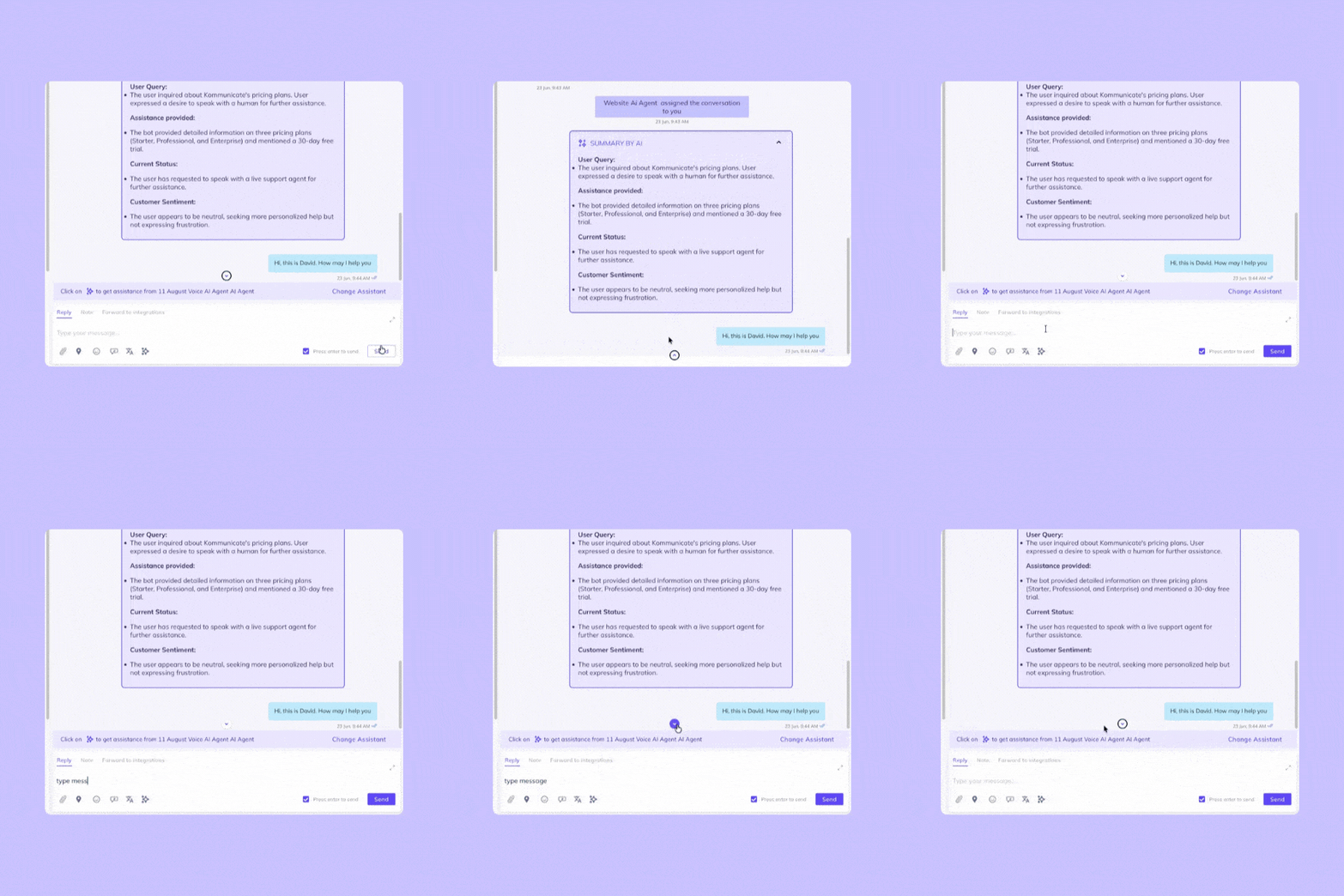
The Conversation section now includes an expandable and collapsible conversation composer.
Users can expand the typing and chat area when working with longer emails, providing additional workspace and making lengthy conversations easier to review and navigate.
Improvements
Enhanced Zendesk Sunshine Integration
Conversation summaries can now be sent to Zendesk Sunshine as internal messages, providing support teams with additional context directly within Zendesk.
When a ticket is created in Zendesk after a conversation is resolved in Kommunicate, the complete chat history is now available directly in the ticket instead of being provided only as a link.
Improved Campaign Messaging Experience
The Campaigns messaging interface has been improved to provide a more intuitive and efficient experience for creating and managing campaign messages.
Reduced Bot Response Latency
We’ve made performance improvements to reduce response latency for AI bot interactions, resulting in faster responses during conversations.
We’ve also optimized response latency for Voice AI, enabling faster bot responses during voice calls and improving the overall conversational experience.
Context Variables for Google Agent CX
Added support for passing context variables to Google Agent CX, enabling agents to retain and use relevant contextual information during interactions.
Bug Fixes
Improved Response Accuracy for XLS and Document Sources
Fixed an issue that could cause the bot to generate inaccurate or hallucinated responses when answering questions based on XLS and document-based knowledge sources.
Conversation Draft Handling
Resolved an issue that prevented conversation drafts from being saved correctly due to an error in the draft message handling process.
Notification Error Handling
Fixed an issue that could cause notification errors to occur when displaying error messages within the application.
Conversation Composer Rendering
Resolved an issue that could prevent the conversation composer from rendering correctly when the underlying content was unavailable.
Mailbox Conversation Recipients
Fixed an issue in Mailbox Conversations where recipients in the To section were not displayed correctly when CC recipients were included.
Message Metadata
Resolved an issue where the source information was not included in the metadata associated with the first message in a conversation.
Email Thread Conversation Handling
Fixed an issue that could create separate conversations for replies belonging to the same email thread. Email replies are now correctly associated with their existing conversation.