Updated on December 17, 2025
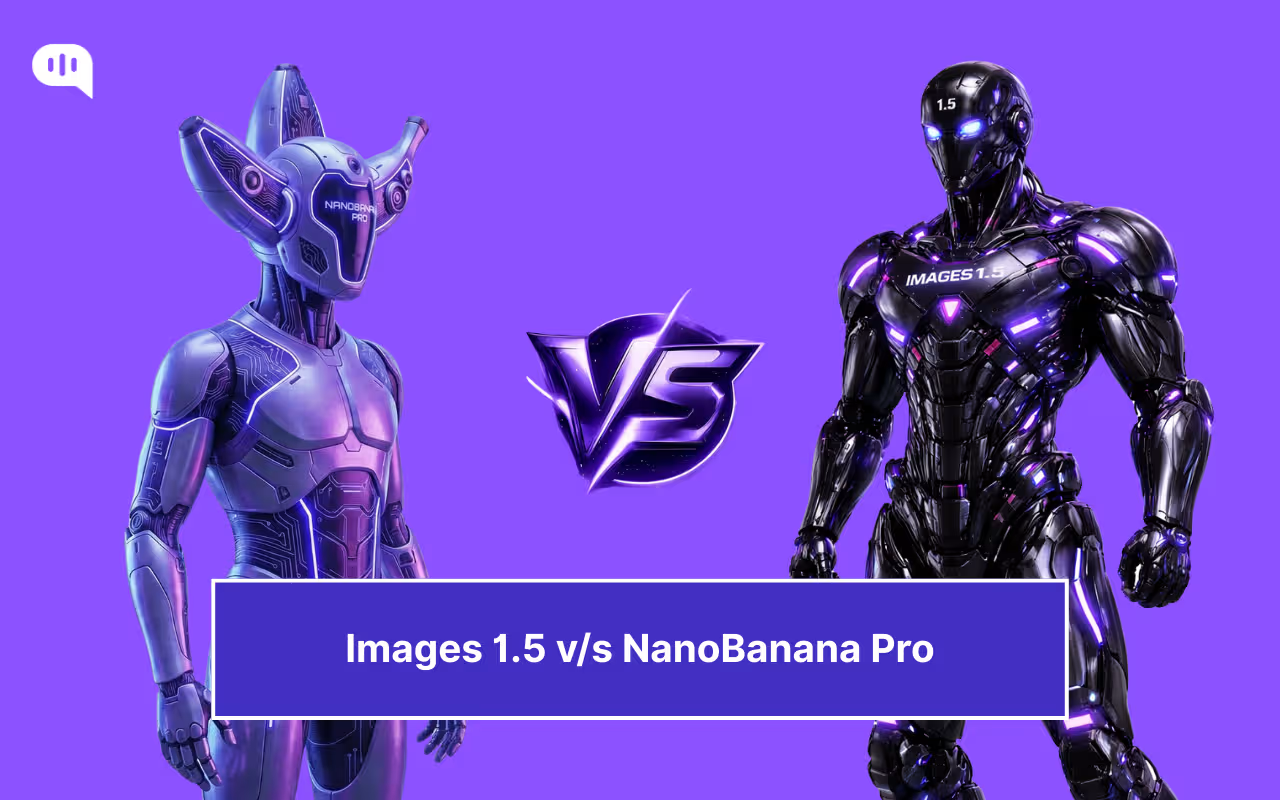
If you’ve been on X (formerly Twitter) or Reddit in the last month, you haven’t been able to escape the Nano Banana phenomenon.
When Google quietly dropped Nano Banana Pro (officially Gemini 3 Pro Image) in late November, it broke the internet. For the first time, users were generating hyperrealistic “2000s-style mirror selfies” that were indistinguishable from reality, and infographics with perfectly spelled text. It wasn’t just an upgrade; it was a generational leap that left ChatGPT’s DALL-E 3 looking distinctly “last gen.”
The viral dominance of Google’s new model reportedly triggered a massive internal “Code Red” at OpenAI. Rumours flew that Sam Altman pulled engineering teams off other projects to expedite their response.
The result? The surprise, preponed release of Images 1.5!
Originally slated for a 2026 rollout, Images 1.5 has been rushed to the front lines to stop the bleeding. It’s faster, smarter, and brings a new “Studio in a Chat” workflow designed to counter Google’s fidelity with sheer usability.
So, here we are in December 2025 with two absolute titans available at your fingertips. We have the viral, world-aware powerhouse from Google, and the newly overhauled, speed-demon from OpenAI. But with feature lists that are increasingly overlapping, the question is which one is actually right for your workflow.
Let’s cut through the hype and break it down. We’re going to cover:
1. Nano Banana Pro v/s Images 1.5: Which Model Generates Better Quality Images?
2. What Are the “Killer App” Features That Set Nano Banana Pro and Images1.5 Apart?
3. How Much Does Nano Banana Pro and Images 1.5 Cost?
4. Which Model Should You Use: Nano Banana Pro or Images 1.5?
5. Conclusion
Nano Banana Pro v/s Images 1.5: Which Model Generates Better Quality Images?
Before we dive into the pixel-peeping, it is crucial to understand the fundamental philosophy behind each engine, as they prioritize different aspects of “quality.”
Nano Banana Pro (running on Google’s Gemini 3 Pro Image architecture) is built as a high-fidelity text engine. It natively supports 4K resolution and treats every prompt like a high-budget commercial photoshoot. Its neural architecture is heavily “grounded” in Google Search, meaning it understands physical lighting, real-world geography, and object permanence better than almost any other model. If you ask for a specific car model parked in front of a specific landmark, Nano Banana Pro generally gets the physics and the architecture right.
Images 1.5 (running on OpenAI’s GPT Image 1.5 architecture) is a compliance-first engine. While it can certainly produce beautiful images, its primary goal is instruction adherence. OpenAI has optimized this model to listen to complex, multi-clause prompts without ignoring details (a common issue known as “forgetting”). It prioritizes getting the content right over getting the lighting perfect. It is also significantly faster, designed for the rapid back-and-forth iteration that ChatGPT users expect.
To see how they stack up, here are the latest aggregate scores from the LMSYS Chatbot Arena (Vision) and Artificial Analysis leaderboards.
| Benchmark / Metric | Images 1.5 (OpenAI) | Nano Banana Pro (Google) | The Winner |
| LM Arena ELO Rating | 1264 | 1235 | Images 1.5 |
| Image Editing | 1409 | 1406 | Images 1.5 |
| Max Native Resolution | 1024×1024 (Upscaled) | 4096×4096 (Native) | Nano Banana Pro |
While Images 1.5 currently has the higher score, you’ll note that the scores are quite close. So, which model should you be using? For differentiating, we’re going to talk about the specific features of each model.
What are the “Killer App” Features That Set Nano Banana Pro and Images 1.5 Apart?
While image quality is subjective, the utility of these tools comes down to their exclusive features. Both companies have moved beyond “text-to-image” and are now solving specific workflow bottlenecks.
Images 1.5: Granular Editing
The killer feature of Images 1.5 is iteration.
- Conversational Editing: Previously, if you liked an image but wanted to change one detail (e.g., “remove the hat”), the model would regenerate the entire scene, often changing the lighting or the character’s face in the process. Images 1.5 solves this. You can now simply type, “Change the red car to blue,” or “Make him smile,” and the model modifies only that specific region while locking the rest of the pixels in place.
- Why it matters: It turns ChatGPT into a Photoshop alternative for non-designers. It allows you to “direct” a scene rather than just “rolling the dice” hoping for a good result.
Nano Banana Pro: Grounding & Consistency
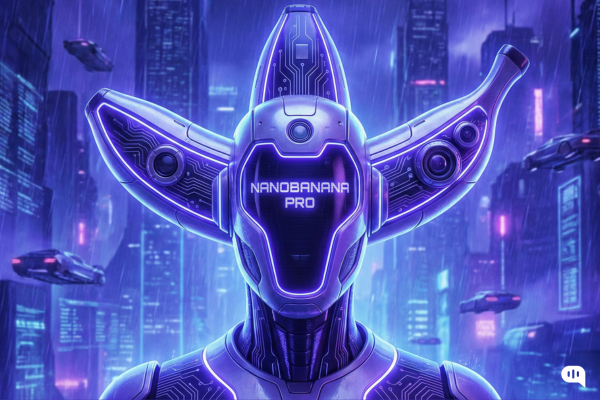
Google’s killer feature is intelligence.
- Search Grounding: Unlike other models that draw from a frozen dataset, Nano Banana Pro can cross-reference Google Search in real-time. If you ask for a diagram of a 2025 Porsche 911 engine, it doesn’t just hallucinate a generic engine; it retrieves accurate schematics to ensure the components are placed correctly.
- Identity Locking (Reference Blending): For brand designers, this is the holy grail. Nano Banana Pro allows you to upload up to 14 reference images to “teach” the model a specific style, logo, or character face. This means you can generate a character in 50 different poses without their face morphing into a different person—a massive leap for comic book creators and storyboard artists.
The Verdict:
- Use Images 1.5 if you want to fix an image (tweaking, polishing, editing).
- Use Nano Banana Pro if you want to build a project (consistent assets, accurate diagrams, high-fidelity layouts).
Pricing of both of these models are also very important. If you generate images regularly, then the cost per image and the average number of revisions needed should be low. We will discuss that in the next section.
How Much Does Nano Banana Pro and Images 1.5 Cost?
When you are generating dozens of images a day, the price tag is about the “Cost Per Usable Result.” A cheap model becomes expensive if you have to regenerate the image 20 times to fix a hand; an expensive model pays for itself if it nails the prompt in one shot.
Here is how the pricing breaks down for December 2025.
| Feature | Images 1.5 (OpenAI) | Nano Banana Pro (Google) |
| Consumer Access | ChatGPT Plus ($20/mo) | Gemini Advanced ($19.99/mo) |
| Free Tier | 2 generations/day (Limited) | Unlimited (Low-Res “Fast” Model only) |
| API Cost (Standard) | ~$0.04 per image (HD) | ~$0.04 per image (Standard) |
| API Cost (High-Res) | N/A | $0.24 per image (4K Native) |
| Commercial Rights | Included in Plus/Enterprise | Included in Advanced/Vertex AI |
Our Verdict
- Use Images 1.5 for Editing: If your workflow involves trial and error, Images 1.5 is significantly cheaper. Because of its “In-Paint Editing” feature, you don’t have to pay to regenerate a whole new image just to fix a small mistake. You are paying for speed and flexibility within the flat $20 subscription.
- Use Nano Banana Pro for High-Resolution Image Generation – The Pro model is undeniably premium. At $0.24 per 4K image via API, it is 6x more expensive than standard generation. However, for enterprise users or print designers, this cost is negligible compared to hiring an illustrator.
While the Images 1.5 is attractive, there are certain use-cases where you should use Nano Banana Pro, we’re going to tackle this in the next section.
Which Model Should You Use: Nano Banana Pro or Images 1.5?
We have looked at the benchmarks, the features, and the costs. Now, it comes down to your daily workflow. Here is the final verdict on how to slot these two powerhouses into your toolkit.
Use Images 1.5 For:
- The “Daily Driver” Tasks: If you need to churn out content for social media (tweets, LinkedIn posts, blog headers) where speed and “scroll-stopping” composition matter more than 4K pixel perfection, this is your engine.
- Infographics & Slideshows: Surprisingly, Images 1.5 has become the go-to for information density. Because of its high “prompt adherence,” it places charts, bullet points, and icons exactly where you tell it to.
- Rapid Iteration: When you are brainstorming and need to generate 20 variations of a slide deck theme in 5 minutes, the speed and low cost make it unbeatable.
Use Nano Banana Pro For…
- High-Stakes, Large-Format Projects: When the image needs to be printed on a billboard, a magazine cover, or a full-width website hero, you need Nano Banana Pro. Its native 4K resolution ensures that lines remain crisp and details don’t turn into “mush” when zoomed in.
- Professional eCommerce & Product Shots: If you are trying to sell a product, “almost real” isn’t good enough. Nano Banana Pro’s superior lighting engine and physics awareness allow you to place products in hyperrealistic environments (e.g., a perfume bottle on a wet marble counter) that look like a studio photoshoot, not a digital painting.
- Brand Consistency: For projects where you need the exact same character or lighting style across 10 different images, its reference-blending capabilities are a requirement, not a luxury.
The Bottom Line
- Think of Images 1.5 as your Graphic Designer: Fast, obedient, and great for layouts and digital content.
- Think of Nano Banana Pro as your Photographer: Slower and more expensive, but capable of capturing reality with stunning, high-resolution fidelity.
Conclusion
The “Code Red” battle of late 2025 proves that the era of “one model to rule them all” is effectively over. We have entered the era of specialization.
Choosing between Images 1.5 and Nano Banana Pro isn’t about picking a winner; it’s about picking the right tool for the job at hand. If you value speed, conversational control, and the ability to iterate through ideas like a sketch artist, OpenAI has built the ultimate brainstorming partner. But if you demand pixel-perfect fidelity, 4K resolution, and real-world grounding that stands up to commercial scrutiny, Google has built the ultimate virtual studio.
For the savvy creator, the best workflow right now might just be to use both: use Images 1.5 to rapidly prototype your concept, and then switch to Nano Banana Pro to render the final, client-ready masterpiece.
And if you are in the market for a conversational AI interface that will improve your customer service, you can sign up for Kommunicate.

A Content Marketing Manager at Kommunicate, Uttiya brings in 11+ years of experience across journalism, D2C and B2B tech. He’s excited by the evolution of AI technologies and is interested in how it influences the future of existing industries.