Updated on March 17, 2026
You could have an average product on the market that is selling at satisfactory levels. However, if your customer support is excellent, there is a high probability that your sales graph will grow exponentially in the long term.
On the contrary, you could have a killer product that is outranking competition and selling like hotcakes. But, if your customer support team is limping, the sales graph will plummet sooner or later.
Businesses often fail to deliver great customer service not because they don’t know how, but because they sometimes lack the right team or rely on outdated tools. Providing customer service in any industry is an uphill task – it demands a tremendous amount of time, effort, and resources to handle the constant inflow of customer queries, complaints, and feedback, especially from upset or difficult customers. Leveraging AI customer service systems can help manage this more effectively by automating ticket creation, categorization, and prioritization – reducing manual workload and ensuring faster response times for improved customer satisfaction.
Thanks to the recent growth in AI activity, the customer support function can breathe a sigh of relief. Many businesses, understanding the potential benefits of AI tool for customer support are trying to automate their customer service function.
If you want to learn more about how enterprises are using AI in customer
support. Read our guide!
AI’s power lies in automating rule-based tasks, improving efficiency by reducing manual errors, and enhancing customer satisfaction by delivering instant results. There are countless tools available in the market that can do these tasks for you.
But how do you choose the best AI tool for your customer support team in 2026? There are so many options available in the market, each with its own features, pros and cons, and pricing plans.
We perform competitor reviews every quarter, and here are the top AI customer service tools that have impressed us.
How did we Choose the Best AI Tools for Customer Service?
To ensure this list is useful and objective, we checked each tool using the following criteria:
- G2 and Capterra Ratings – Aggregated user ratings sourced directly from both review platforms, reflecting real-world user satisfaction across thousands of verified reviews.
- Pricing Transparency – We documented starting prices, plan structures, and noted any key features gated behind higher tiers or add-ons.
- AI Feature Depth – We assessed whether AI capabilities are core to the product or add-on extras, and how meaningfully they impact support efficiency.
- Channels Supported – Coverage across web, mobile, email, social, WhatsApp, and voice channels was evaluated as a proxy for omnichannel readiness.
- Human Handoff Capability – Given that most support scenarios require human judgment at some point, we prioritized tools with clear, well-implemented human handoff.
- Best Fit Clarity – Each tool was assessed for which team size, industry, and use case it is genuinely best suited for — rather than positioned as a fit-for-all solution.
We have a definitive (and slightly biased) ranking for these tools in the next section.
Our Rankings
The table below compares all 11 tools across the key objective criteria evaluated in this guide.
| Tool | Type | Best For | Free Plan | Starting Price | G2 Rating | Capterra Rating | Channels | Human Handoff |
|---|---|---|---|---|---|---|---|---|
| Kommunicate | AI + Live Chat | SMBs, Growing Teams | ✓ (trial) | $34/mo | 4.6 | 4.5 | Web, Mobile, WhatsApp, Telegram, Instagram | ✓ Built-in |
| Help Scout | Shared Inbox + Chat | Small/Mid Teams | ✓ | $20/user/mo | 4.4 | 4.6 | Email, Chat, Docs | ✓ |
| Gorgias | eCommerce Help Desk | eCommerce Brands | ✓ (Starter) | $50/mo | 4.6 | 4.7 | Email, Chat, Social, SMS | ✓ |
| Front | Shared Inbox + Ops | B2B / Mid-Market Teams | ✗ | $25/seat/mo | 4.7 | 4.5 | Email, Chat, SMS, Social, Voice | ✓ |
| ProProfs Live Chat | Live Chat | Small Teams / Startups | ✓ (1 user) | $19.99/mo | 4.4 | 4.4 | Web Chat | ✓ |
| Zendesk | Enterprise Help Desk | Enterprise / Scale-ups | ✗ | $55/agent/mo | 4.3 | 4.5 | Email, Chat, Voice, Social, SMS | ✓ |
| Ada | Conversational AI | Enterprise AI-First CX | ✗ | On Request | 4.6 | 4.5 | Web, Mobile, Messaging | ✓ (Ada Glass) |
| Zoho Desk | Help Desk + AI | Zoho Ecosystem Users | ✓ | $7/user/mo | 4.4 | 4.5 | Email, Chat, Phone, Social | ✓ |
| Kustomer | CRM + Help Desk | High-Volume CX Teams | ✗ | $89/user/mo | 4.4 | 4.6 | Email, Chat, Voice, Social, SMS | ✓ |
| Intercom | Messaging + AI Agent | SaaS / Tech Companies | ✗ | Starts from $29/month | 4.5 | 4.5 | Web Chat, Email, In-app, Push | ✓ |
| Qualtrics | Experience Management | Enterprise Feedback Programs | ✗ | On Request | 4.4 | 4.7 | Survey / Feedback | N/A |
It’s hard to make a decision by looking at the ratings alone. So, we’ve listed our review and verdict of each tool individually.
1. Kommunicate

Kommunicate is an AI-powered customer service platform. It helps teams reduce ticket volume with AI that understands when to respond, when to escalate, and when to hand control back to a human.
Built around a human-in-the-loop approach, Kommunicate enables support teams to automate repetitive queries while seamlessly routing complex or sensitive issues to agents when judgment and context are required.
Pros:
- Fully customizable AI agents based on channels and use cases
- Auto-resolve basic repetitive queries with AI
- Convert unresolved conversations into tickets and assign team members, so no conversation is missed
- Built-in human handoff with full summary and transcript
- Insights to improve support operation with information like – First Response Time, Average Resolution Time, Agent Login Time, and more
- Supports web, mobile, WhatsApp, Instagram, Telegram, and more
- Provides visibility into when AI answers and when it escalates
- Fast time-to-value compared to heavy enterprise automation tools
Cons:
- Not designed for fully autonomous AI use cases with no human involvement
- Works best for teams that treat support operations as a core function
- Automation scope is intentionally conservative to prioritize safety and reliability
Pricing:
- Starter plan for $34 – For teams beginning with safe and trusted AI automation. Includes one AI agent, one team member, and 250 conversations per month across web, mobile, WhatsApp, Telegram, and Instagram. Suitable for proving initial automation value before scaling further.
- Professional plan for $167 – Designed for growing teams that want to increase conversation capacity, add more AI agents and seats, and access deeper analytics, agent assist capabilities, phone call AI, integrations, and campaign messaging features.
- Enterprise plan – Built for large organizations running AI as a core support layer, with custom seats and AI agents, discounted conversation pricing, advanced governance controls, SSO, dedicated success management, and SLA-backed support.
Best For:
SMBs and growing support teams that want to automate repetitive queries while keeping humans in the loop for complex issues. Also ideal for teams that need quick deployment across messaging channels like WhatsApp.
What do Customers Say?
★ Positive
“The ease of use and the constant upgrades. It was very easy to integrate dialogflow, whatsapp and facebook to this platform.” — Verified User, Capterra
✗ Negative
“My experience started well and then I was progressively more and more disappointed. The core functionality doesn’t always work as promised.” — Verified User, Capterra
Verdict
Kommunicate strikes the right balance between AI automation and human oversight. It’s built to make your support team more efficient. If you value control, transparency, and fast setup over cutting-edge autonomous AI, Kommunicate is your best bet.

2. Help Scout
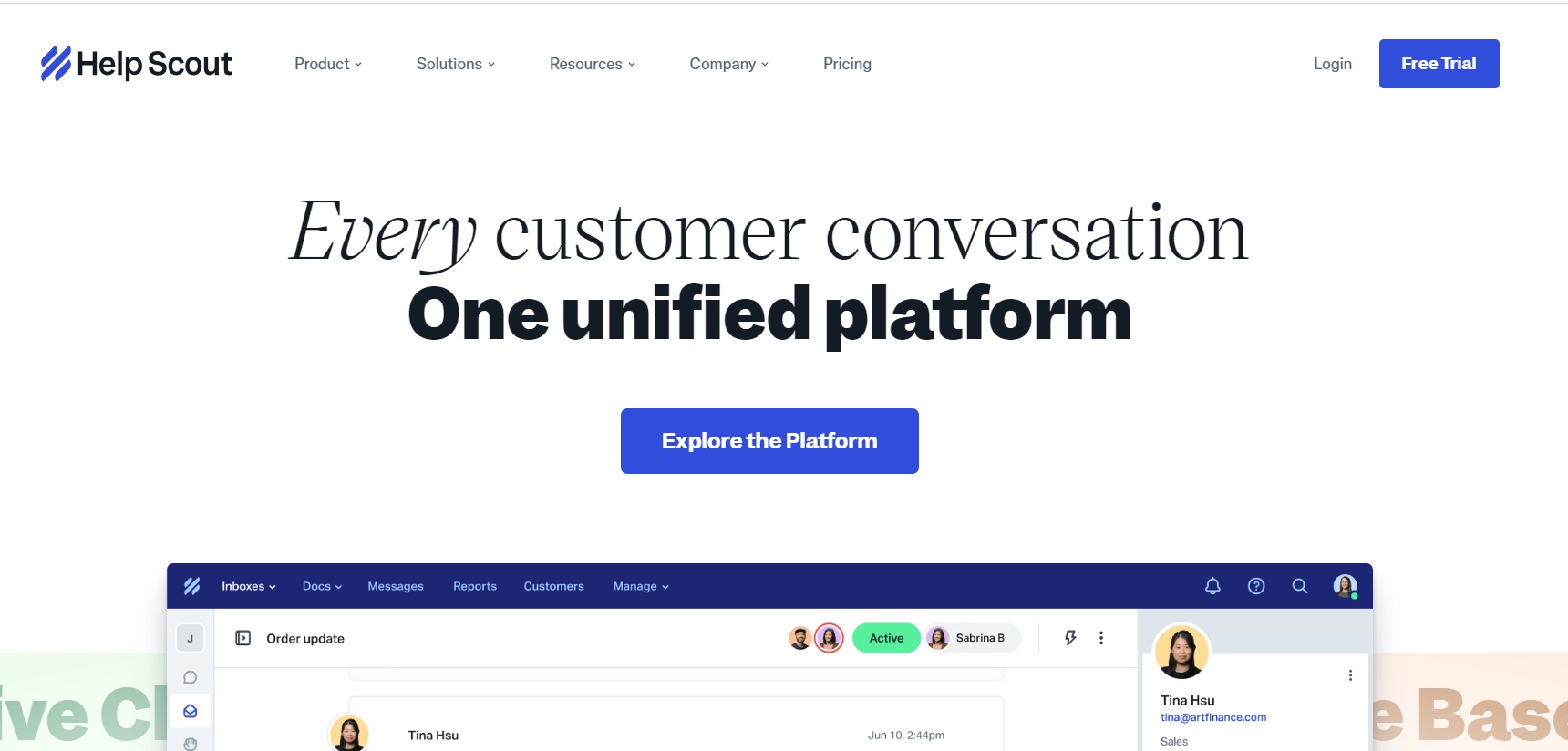
Help Scout is a communication platform and shared inbox that uses AI to help customer service teams deliver personalized and empathetic support across multiple channels.
Highlight AI Features:
- Beacon – A chatbot that can answer FAQs, collect feedback, and suggest relevant articles Workflows – A tool that automates actions based on triggers and conditions
- Satisfaction Ratings – A tool that measures customer happiness and identifies areas for improvement
Pros:
- Boasts of a simple and intuitive user interface that any user can use with relatively no training.
- Offers easy and quick integration with Zapier, Slack, Mailchimp, Shopify, and even specialized revenue recognition tools, streamlining workflows and accelerating data sharing.
- Ranks high on high customer satisfaction rating and a loyal customer base.
Cons:
- Help Scout’s chatbot is not very customizable and may not be able to handle complex queries or scenarios.
- The tool’s reporting and analytics features are limited compared to other alternatives in the market.
- Does not support voice or video calls, which may limit the communication options for some customers.
Pricing:
- Standard plan for $20 per user per month
- Plus plan for $40 per user per month
- Pro plan for $65 per user per month
Best For:
Small to mid-sized teams that want a clean, email support experience without the complexity of enterprise help desks. Particularly well-suited for SaaS companies and service businesses that prioritize a human touch.
What do Customers Say?
★ Positive
“Teams can work together on client queries using the software’s collaborative inbox, which leads to quicker responses and more customer satisfaction.” — Verified User, Capterra
✗ Negative
“They are constantly making poor decisions when designing updates. I don’t love the recent changes and we often had technical issues of our webhook disabling.” — Verified User, Capterra
Verdict
Help Scout earns consistent praise for being the easiest customer support tool to onboard and use every day. The AI features built into paid plans add genuine value without complexity. If your team is migrating away from a bloated enterprise platform and wants something that actually feels pleasant to work in, Help Scout is the top candidate — as long as you don’t need deep customization.
3. Gorgias
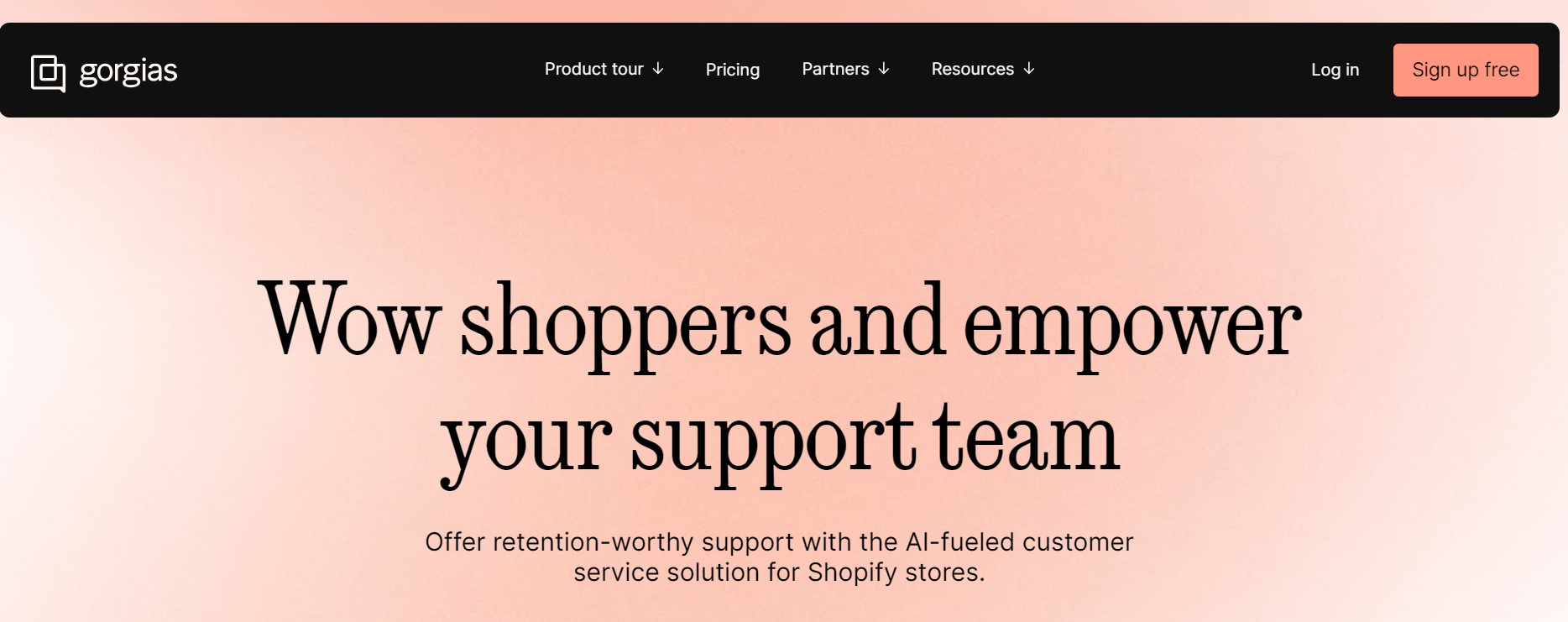
Gorgias is one of the leading help desk software that leverages AI to specifically help eCommerce businesses manage all their customer interactions in a centralized manner.
Highlight features:
- Quick replies – Automatically suggests replies based on previous conversations
- Smart Rules – Automatically assigns tickets, tags, and priorities based on conditions
Pros:
- Provides a powerful and flexible rule engine that allows users to create custom workflows and automations for different scenarios.
- Known for its robust and reliable performance and scalability, handling over 10 million tickets per month.
- Easily integrates with popular eCommerce CMS services like Shopify, Magento, WooCommerce, BigCommerce,etc.
Cons:
- The chatbot has room for improvement and is not equipped with advanced natural language processing or conversational flows.
- May not be for all since it has a steep learning curve and may require some technical skills or knowledge to set up and use effectively.
- The ticket-based pricing rather than user-based pricing adopted by most SaaS businesses might make budget tracking and forecasting difficult
Pricing:
- Free starter plan available on monthly subscription (50 tickets per month)
- Basic plan for $50 per month for up to 300 tickets per month
- Pro plan for $300 per month for up to 2,000 tickets per month
- Advanced plan for $750 per month for up to 5,000 tickets per month
- Custom plan for enterprises with custom tickets volume
Best For:
eCommerce brands running on Shopify, BigCommerce, or Magento that receive high ticket volumes and need support tightly integrated with order management and refund workflows.
What do Customers Say?
★ Positive
“I love that we can see all customer and internal communications in a single ticket, so we don’t send multiple responses to the same customer if they reach out multiple times.” — Verified User, Capterra
✗ Negative
“Updates will occur and shut your entire team down without notice. When I reached out about this, they claimed there was no way to give us forewarning regarding updates that impact our productivity.” — Verified User, Capterra
Verdict
Gorgias is the gold standard for eCommerce customer support. If you run an online store, the native Shopify integration alone makes it worth evaluating. Outside of eCommerce, however, it’s a square peg in a round hole.
4. Front

Front is an AI-powered customer operations platform that centralizes communication from email, chat, SMS, social media, and voice into a single shared workspace. Designed to combine the familiarity of an email inbox with the structure of a help desk, it is specifically built for B2B and mid-market teams that handle complex, high-stakes customer relationships rather than just high ticket volumes.
Pros:
- Superior Collaboration: Internal comments and shared drafts eliminate the need for internal forward chains or separate Slack threads.
- Deep Integrations: Offers 100+ native connections with CRM and project tools like Salesforce, HubSpot, and Jira.
- Familiar Interface: The UX mimics a standard email client, leading to faster onboarding and high agent adoption.
- Clear Accountability: Every conversation is assigned to an owner, ensuring no inquiry is missed or “lost” in a shared inbox.
Cons:
- High Total Cost: Base pricing is per user ($25–$105/month), and essential AI tools are often paid add-ons ($10–$20/seat).
- Cluttered UI at Scale: Managing dozens of shared inboxes simultaneously can lead to a messy, overwhelming interface.
Pricing:
- Starter: $25/seat/month (up to 10 seats, single channel).
- Professional: $65/seat/month (up to 50 seats, omnichannel support).
- Enterprise: $105/seat/month (unlimited seats, includes all AI features).
Best For:
B2B companies and mid-market teams that handle complex, relationship-driven customer communication on email. Excellent for teams that live in email and need structure without losing that personal feel.
What do Customers Say?
★ Positive
“It gives us real-time collaboration with our staff. It has a very intuitive interface and dashboards. It’s a no-code tool and we love it — it makes it easy and fast to automate our workflows.” — Verified User, Capterra
✗ Negative
“Although the lower tier pricing is reasonable, in order to get analytics or have several team members on the account, the price jumps astronomically.” — Verified User, Capterra
Verdict
Front bridges the gap between an email client and a proper help desk. It’s a solid choice for B2B teams that find traditional ticketing systems too impersonal. The cost can escalate quickly, so it rewards teams that will use its full feature set.

5. ProProfs Live Chat

ProProfs Live Chat is a live chat and customer support software that helps businesses communicate with website visitors in real time.
Pros:
- Easy to set up and use: The interface is intuitive, making it simple for teams to start chatting with visitors quickly.
- Real-time engagement: Enables live communication with website visitors, helping improve customer support and lead conversion.
- Canned responses: Predefined messages help support agents respond faster and more consistently.
- Lead capture and routing: Includes pre-chat forms and the ability to route chats to appropriate agents, improving support workflow.
Cons:
- Limited advanced automation features compared to AI-driven chat tools.
- Basic reporting and analytics that may not satisfy larger enterprises.
- Fewer integrations with third-party applications than some competitors.
- Customization options for the chat widget and workflow may be more limited.
Pricing:
ProProfs Live Chat has two pricing tiers: one is a free forever plan with one user seat, and the other is the Team Plan priced at $19.99 for two or more operators.
Best For:
Small businesses, startups, and solopreneurs who need a simple, affordable way to add live chat to their website without a steep learning curve or complex setup.
What do Customers Say?
★ Positive
“ProProfs Chat is very easy to set up and use. The canned response feature helps our team stay consistent, and the real-time visitor tracking has been great for proactive support.” — Verified User, G2
✗ Negative
“The platform is very basic. There’s limited automation, the reporting is thin, and we quickly outgrew it as our team expanded. We needed something with more workflow customization.” — Verified User, Capterra
Verdict
ProProfs Live Chat does exactly what it says on the tin: it’s live chat that’s simple, affordable, and easy to deploy. It’s not a powerhouse, but for very small teams on a budget, it removes all the friction of getting started with customer chat.
6. Zendesk
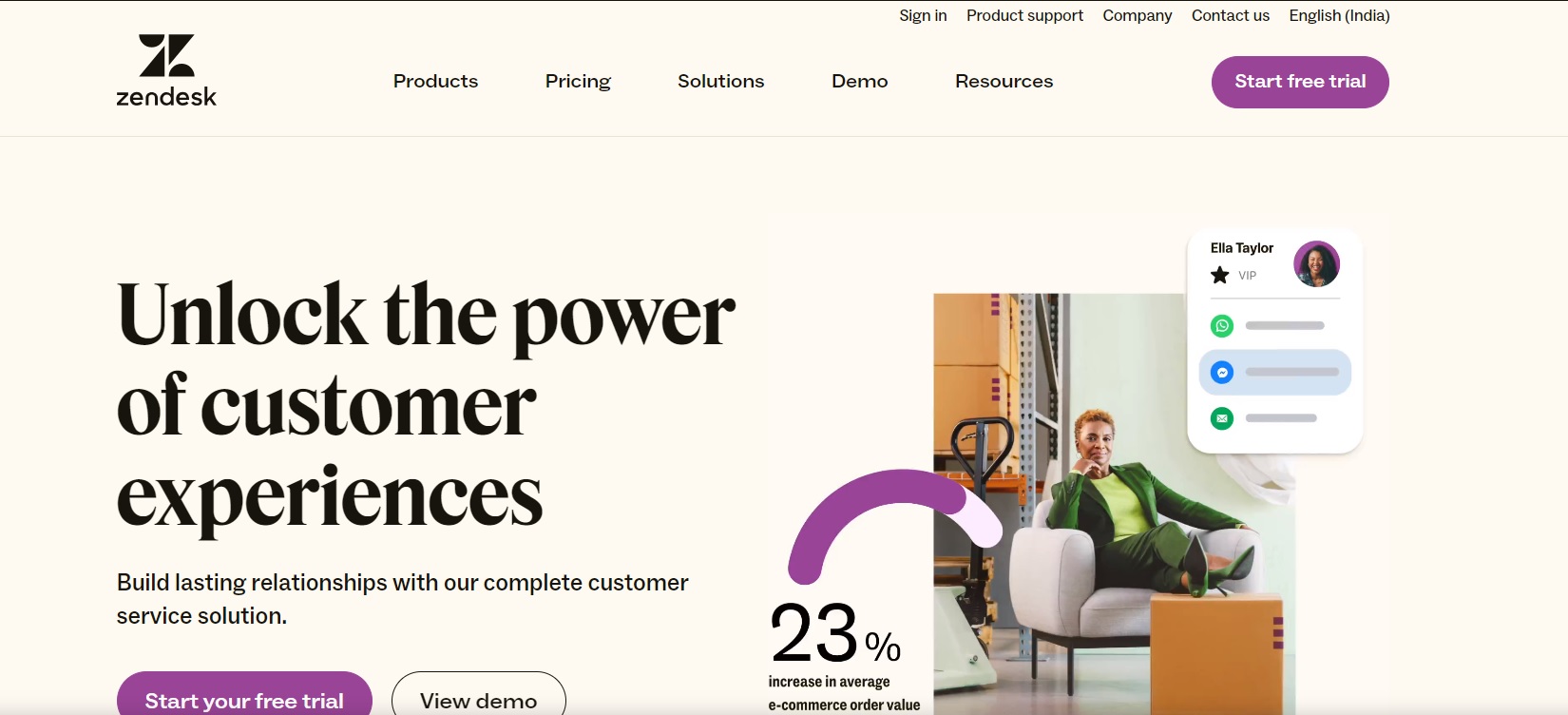
Zendesk is a cloud-based customer service platform that offers state-of-the-art customer support tools for businesses of all scale and type.
AI-Powered Features:
- Answer Bot – A tool that automatically responds to customer queries with relevant articles
- Content Cues – a tool that identifies gaps and opportunities in the knowledge base
- Satisfaction Prediction – A tool that predicts customer satisfaction scores based on various factors
Pros:
- Zendesk has a rich and diverse set of features that cover various aspects of customer service, such as ticketing, chat, voice, email, social media, self-service, and analytics.
- Ranks high on customer satisfaction and global customer support
Cons:
- The interface is not easy to master for all
- Limited customization and personalization options
- Relatively higher pricing compared to other tools in the market
Pricing:
- Suite team for $55 per agent per month
- Suite Growth for $89 per agent per month
- Suite team for $115 per agent per month
- Suite Enterprise – custom pricing
Best For:
Mid-market and enterprise support teams that need a battle-tested, scalable platform with extensive integrations and omnichannel coverage. Strong fit for teams with dedicated admins to manage configuration.
What do Customers Say?
★ Positive
“Zendesk has made our lives so much easier! Great product, support, and informational webinars! It organizes our support team and tracks tickets in a safe and secure way.” — Verified User, G2
✗ Negative
“Zendesk is pushing users to more AI, which our company is against. The ‘cool new features’ are either only available to Enterprise customers or are AI-based features we’re being charged for whether they help or not.” — Verified User, G2
Verdict
Zendesk is the category benchmark, and for good reason. It handles scale and complexity that simpler tools can’t. However, that power comes at a price — in money, setup time, and ongoing admin effort. It’s best suited for teams that are ready to invest in it properly.

7. Ada
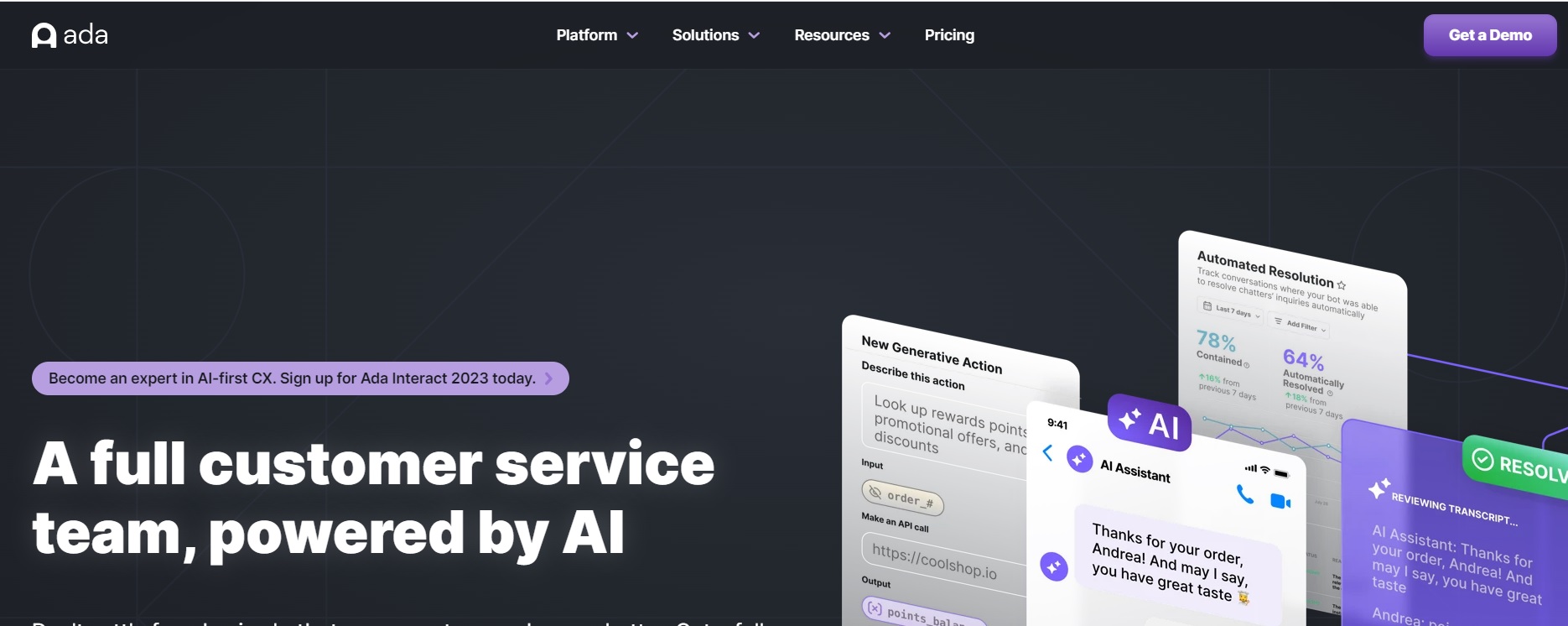
Ada is a conversational AI platform that helps customer service teams create and manage chatbots that can handle complex and personalized interactions.
Ada’s AI Features Include:
- Ada Glass to seamlessly transfers conversations from chatbots to human agents
- Ada Engage that proactively engages customers with personalized messages and offers
- Ada Translate to automatically translate conversations into over 100 languages
Pros:
- Ada’s chatbots can automate repetitive tasks and provide instant responses to common customer queries, improving efficiency.
- Ada can scale with your business, handling multiple customer conversations simultaneously
- It can provide valuable data insights and analytics to help businesses understand customer behavior and preferences
- Supports multiple languages, making it suitable for businesses with a global customer base
Cons:
- While efficient for routine inquiries, Ada’s chatbots may struggle with complex or highly personalized issues that require human intervention
- Implementing an AI chatbot like Ada can be time-consuming and may require significant training and customization
- Depending on the scale and complexity of implementation, the cost of Ada’s services can be relatively high
Pricing:
On request
Best For:
Enterprise organizations with high-volume, repetitive customer inquiry patterns that want to achieve significant automation rates (60–80%+) with multilingual support across global markets.
What do Customers Say?
★ Positive
“Ada’s automation capabilities are impressive. We’ve seen significant reduction in repetitive ticket volume and the multilingual support has been key for our global customer base.” — Verified User, G2
✗ Negative
“Ada is a total disappointment — the agents don’t see what I sent them, the bot scenarios are slow and frustrating. The transition from Intercom to Ada was a big step backward for us.” — Verified User, Capterra
Verdict
Ada is purpose-built for enterprises that want AI to do the heavy lifting at scale. Its automation rates are impressive, but the price point and implementation complexity put it out of reach for most small to mid-sized teams. Ideal if you’re committed to an AI-first CX strategy.
8. Zoho Desk
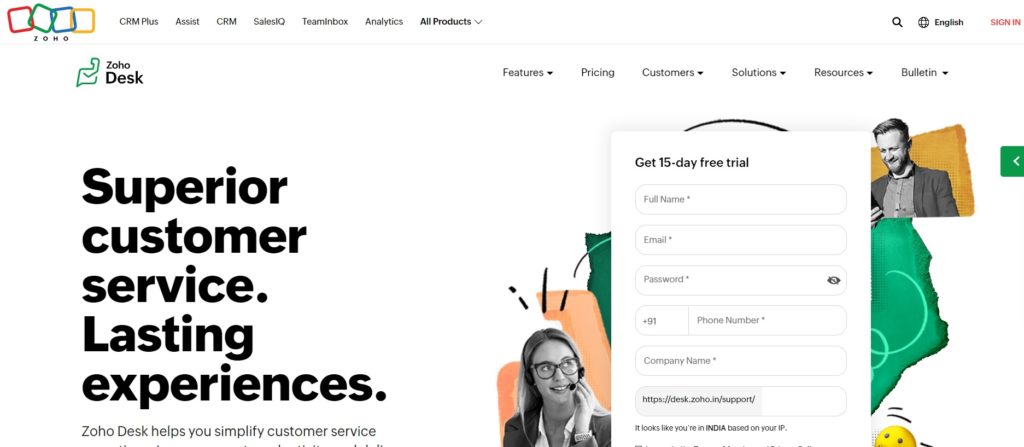
Zoho Desk is an easy-to-use web-based help desk software that uses AI to help customer service teams provide better support and insights.
AI Features of Zoho Desk:
- Zia – A virtual assistant tool for agents and customers, providing suggestions, solutions, and insights
- Zia Voice – A tool that enables voice-based interactions with Zia, the virtual assistant
- Zia Skills – A tool that allows users to create custom skills for Zia using natural language processing.
Pros:
- Zoho is known for its easy-to-use software that do not require much hand-holding
- Zoho has a top-notch customer service with great impetus on customer experience
- It easily integrates with other Zoho products and also third-party tools such as Slack, Mailchimp, Zapier, etc. that your business could be already using
Cons:
- Although a web-based app, Zoho Desk does not offer a desktop version. It remains a browser-based tool, which could be hampering productivity for some teams.
- The canned messages offered by Zia don’t work when using the app via a mobile device.
- To leverage the bet of Zoho Desk, one must upgrade to the Enterprise plan which is expensive and beyond the reach of most businesses.
Pricing:
- Express: $7 up to 5 users
- Standard: $14/user/month
- Professional: $23/user/month
- Enterprise: $40/user/month
Best For:
Small to mid-sized businesses already in the Zoho ecosystem, or teams looking for a feature-rich help desk at a competitive price. Also strong for companies needing AI-powered ticketing without the enterprise price tag.
What do Customers Say?
★ Positive
“Zoho Desk’s integration with other Zoho products is seamless. The platform is incredibly easy to use and Zia’s AI suggestions have meaningfully reduced our ticket resolution times.” — Verified User, G2
✗ Negative
“To leverage the best of Zoho Desk, you need to upgrade to the Enterprise plan which is expensive. Also, the mobile app experience is limited — Zia’s canned messages don’t work on mobile at all.” — Verified User, Capterra
Verdict
Zoho Desk punches well above its price point. The Zia AI assistant is genuinely useful, and the Zoho ecosystem integration is a major differentiator. If you’re not already using Zoho products, the value case is slightly weaker.
9. Kustomer
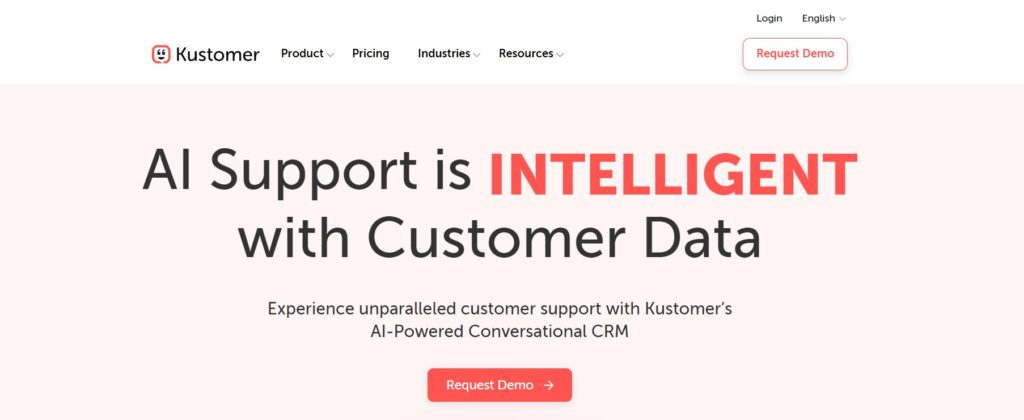
Kustomer is a customer service CRM platform that helps customer service teams provide omnichannel support across email, phone, chat, social media, and more.
Kustomer’s AI Features:
- Kustomer IQ – Natural language processing and machine learning based tool to automate tasks, suggest responses, and provide insights.
- Kustomer Chat – Live chat and chatbot interaction tool
- Kustomer Voice – Voice-based interaction tool
Pros:
- Omni-channel customer support system
- Customizable support workflows
- Complex routing capabilities for work distribution
Cons:
- Kustomer Chat is capable but lacks a visual or tree-like interface to create workflows making it complicated for users
- LImited visibility into how business rules could affect customer conversations under a given set of conditions.
Pricing:
- Enterprise – $89/user/month
- Ultimate – $139/user/month
Best For:
High-volume customer experience teams in eCommerce, retail, and consumer services, that need a CRM and help desk in one, with a 360-degree view of every customer.
What do Customers Say?
★ Positive
“I’ve been using Kustomer for over 2 years and it’s been a fantastic experience. The platform is incredibly user-friendly and the shortcuts integrated into the platform make my job much easier.” — Verified User, Capterra
✗ Negative
“When accidentally deleting a case ID, it’s not possible to retrieve it for tracking purposes. The reporting is also inflexible — cross-referencing data types is difficult.” — Verified User, Capterra
Verdict
Kustomer’s unified customer timeline is genuinely differentiated — seeing a customer’s full history across every channel in one view changes how agents work. The cost is significant, but for teams handling complex, high-value customer relationships, it delivers.
10. Intercom
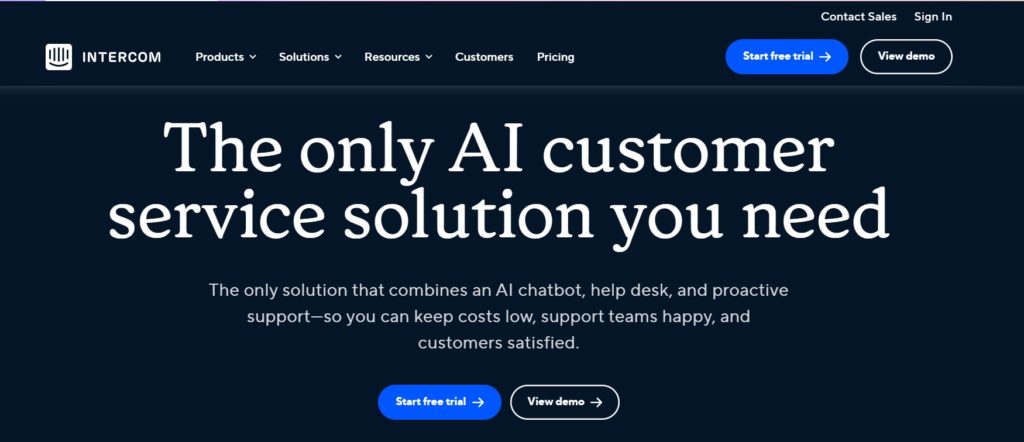
Intercom is a conversational platform that helps customer service teams engage with customers through personalized messages and chatbots. Most of the popular brands use it as a chatbot tool that interacts with users and for driving the initial conversation.
Intercom’s AI Features:
- Custom Bots – Tool for qualifying leads, book meetings, and collect feedback
- Resolution Bot – Tool for answering FAQs and resolve customer issues
- Product Tours – Customer onboarding and education tool
Pros:
- Provides detailed customizable data about customer interactions and ratings
- Robust feature set ideal fro startups and enterprises
- Value for money pricing
- Customer service that delivers great customer experience
Cons:
- Customer segmentation can be tricky for new users
- While the knowledge base is exhaustive, it can sometimes be daunting to find the right answer
- Some technical issues which are still being reported as incomplete
Pricing:
- Essential – $29/user/month
- Advanced – $85/user/month
- Expert – $132/user/month
- Fin AI – Priced at $0.99/resolution
Best For:
SaaS companies and tech startups that want a fully integrated customer messaging platform with top-tier AI resolution, product tours, and in-app messaging all under one roof.
What do Customers Say?
★ Positive
“What I like most about Intercom is its ability to combine multiple customer service, marketing and sales tools into one platform, making direct and efficient communication with users easier.” — Verified User, Capterra
✗ Negative
“What I like least about Intercom is its complicated pricing structure. Some features have their own pricing instead of being included in a given tier, which is confusing when presenting costs to management.” — Verified User, Capterra
Verdict
If your team can stomach the pricing complexity and wants AI resolution plus rich in-app engagement tools, Intercom is a good choice.

11. Qualtrics
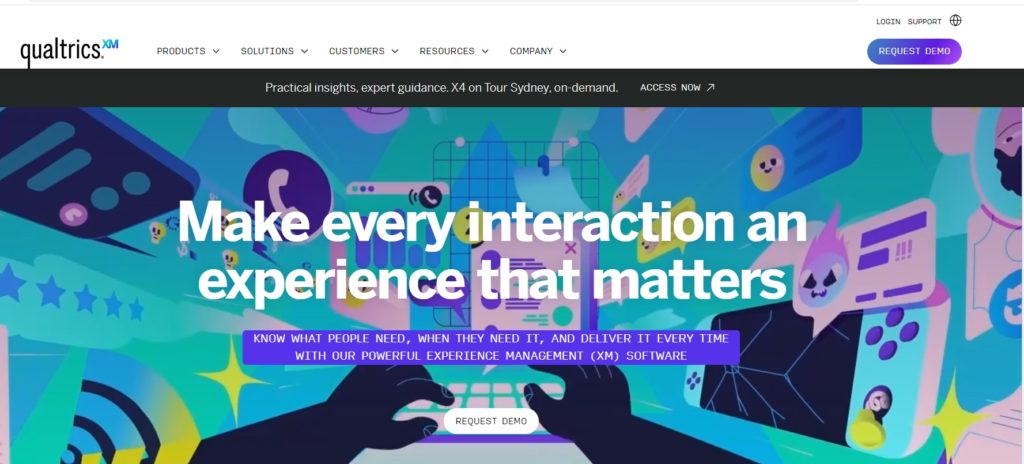
Qualtrics is a cloud-based customer experience management platform that provides tools for collecting, analyzing, and acting on customer, employee, product, and brand feedback. Although primarily used for running surveys, Qualtrics can be a powerful tool to understand customer feedback, their pain points, and feedback.
Pros:
- It is a versatile research platform with an easy-to-use interface
- It offers powerful analytics that give more insights into customer sentiments
- Automation ad workflows for sending reminders, analyzing feedback responses, and so on.
Cons:
- Pricing can be expensive for small teams and startups
- Requires extensive set up ven to run basic surveys
Pricing:
On demand
Best For:
Enterprise organizations with formal VoC or CX research programs, and teams that need to systematically measure CSAT, NPS, and customer effort at scale across the entire customer journey.
What do Customers Say?
★ Positive
“Qualtrics is one of the most powerful survey tools on the market. The analytics capabilities are impressive and the ability to automate follow-ups based on responses has saved our team significant time.” — Verified User, G2
✗ Negative
“The pricing is prohibitive for smaller teams and initial setup is very time-consuming. You’ll need a dedicated resource just to get the platform configured properly before you can run your first survey.” — Verified User, Capterra
Verdict
Qualtrics is a feedback and insights engine. For enterprise teams running structured CX programs, it’s best-in-class. But if you’re looking for a help desk or AI support agent, look elsewhere first.
Counting on AI for Customer Service
We know for a fact that customer service is the function that is most impacted or influenced by Ai. While AI tools can help automate tasks, improve efficiency, and enhance customer satisfaction at scale, not all tools are guaranteed to deliver these results.
Some might work better than the rest. Some might suit your needs, while others might just be a weak tool in your toolkit. Equipping your business with the right AI tool, especially for customer service in AI is quintessential. AI in Customer Service leverages artificial intelligence to provide efficient, responsive, and personalized support to customers.
We hope this list helps you find the best AI tool for your customer support team.
At Kommunicate, we are envisioning a world-beating customer support solution to empower the new era of customer support. We would love to have you onboard to have a first-hand experience of Kommunicate. You can signup Here and start delighting your customers right away.

Manab is the Head of Go-To-Market (GTM) at Kommunicate, with over 12 years of professional experience. He collaborates closely with the engineering, sales, and marketing teams to deliver and position Kommunicate’s AI solutions effectively in the market.
Prior to joining Kommunicate, he worked at Cvent, an enterprise event management software company, and Entropik, an emotion AI company that helps brands understand and interpret consumer emotions.