Updated on June 10, 2026
Let’s be honest: answering “Where’s my order?” for the tenth time today or manually chasing down tracking numbers isn’t the best use of your team’s talent. These repetitive tasks drain energy, slow response times, and lead to burnout.
What if you had an extra pair of hands that never sleeps, tirelessly handling routine questions so your human agents can focus on solving complex, high-value problems?
That’s the promise of modern customer service automation software. It’s not about replacing your team; it’s about removing their repetitive cognitive load so they can focus where human judgment and empathy matter most.
In this guide, we’ll explore the eight best customer service automation software options, how they work, what makes them different, and the frameworks that can help you get automation right.
| Software | Best For | Starting Price | Standout Feature |
|---|---|---|---|
| Kommunicate | Bot-human hybrid support | $34/month | Smooth human handoff |
| Zendesk | Enterprise-scale automation | $55/agent/month | Deep AI workflows |
| Intercom | Conversational engagement | $39/month | Fin AI + proactive chat |
| Freshdesk | SMB-friendly automation | Free plan → $15/agent/month | Freddy AI + ease of use |
| Help Scout | Human-first personal support | $20/user/month | Beacon + collaborative inbox |
| YourGPT | No-code omnichannel automation | $39/user/month | AI Studio + 100+ channel deployment |
| Zoho Desk | Integrated CRM workflows | $14/agent/month | Zia AI + Blueprints |
| Gorgias | E-commerce automation | $10/user/month (Shopify) | Shopify & Magento integration |
In this article, we’ll explore some of the top customer service automation software on the market. We’re going to cover:
1. What is Customer Service Automation Software?
2. Why Automating Customer Support is a Strategic Advantage?
3. A 5-Step Framework for Automating Customer Support
4. The 8 Best Customer Service Automation Softwares
5. 3 Overlooked Automation Playbooks
6. Measuring the ROI of Customer Service Automation
7. The Future of Customer Service Automation
8. Conclusion
What Is Customer Service Automation Software?
At its core, customer service automation software uses technology from simple rules to advanced AI to handle support tasks without needing a human for every single interaction.
It’s the central nervous system of your support operations, powering:
- The chatbot answering “What are your hours?” at 2 a.m.
- The inbox that automatically routes a billing query to the finance team.
- The auto-email that confirms a ticket was received.
- The help center that recommends the right article before a customer even has to ask.
As automation matures, AI agents can go beyond routing and autoresponders to check order status, update records, or trigger backend actions through OpenAI function calling.
The goal is simple: faster support for your customers and less repetitive stress for your team.
Why Is Automating Customer Support a Strategic Advantage?
Customer service burnout is real. According to the 2025 Salesforce State of Service Report, 79% of service leaders want to use AI agents to meet their business demand.
Customer service automation software directly addresses this by reducing the mental effort required for repetitive tasks. When agents allocate less energy to routine queries, they can focus on creative problem-solving and empathy. This makes work more meaningful and impactful.
The business case is equally strong. Gartner notes that 70% of CX leaders plan to increase their investment in AI-driven automation by 2025. This shift is about enhancing efficiency, lowering costs, and creating a customer experience that becomes a real competitive edge.
The Automation Trust Curve
Every business adopting automation goes through three stages:
1. Skepticism: “Will this replace our agents?”
2. Adoption: “It’s saving time, but can it handle tone?”
3. Trust: “It’s helping us deliver more human support.”
True success happens in stage three when technology works in concert with humans, not instead of them.
The Automation Maturity Model
As teams grow, their use of automation evolves.
| Stage | Focus | Example Automations |
| Reactive | Basic rule-based triggers | Ticket tagging, autoresponders |
| Structured | Workflow standardization | SLA reminders, routing rules |
| Predictive | AI + data-driven automation | Intent detection, sentiment routing |
| Agentic | AI co-pilot support | Real-time answer suggestions, automated post-call summaries |
The jump from Structured to Predictive is where most teams see exponential gains in efficiency and agent satisfaction.
A 5-Step Framework for Automating Customer Support
Jumping into automation can feel overwhelming. Where do you even begin? Follow this simple, five-step framework to ensure your investment in customer service automation software delivers maximum impact from day one.
Step 1: Audit & Identify
Before looking at any tools, look inward. Spend a week analyzing your support tickets. Categorize them into:
- Tier 0: Simple, repetitive questions (e.g., “password reset,” “business hours”).
- Tier 1: Standard issues requiring some investigation (e.g., “trouble with feature X”).
- Tier 2: Complex issues requiring expert knowledge (e.g., “bug report,” “escalated complaint”).
Your primary automation targets are the clear, repetitive Tier 0 queries. Identifying these gives you a concrete starting point and a way to measure initial success.
Step 2: Set Clear, Measurable Goals
What does “success” look like? Vague goals lead to vague results. Define yours using the metrics from later in this article. For example:
- “Deflect 30% of L1 tickets within 3 months.”
- “Reduce first-response time from 2 hours to 30 minutes.”
- “Achieve a Customer Satisfaction Score of 4/5 in our next survey.”
These clear targets will guide your configuration and prove the software’s ROI.
Step 3: Choose Your Tool (The Buyer’s Checklist)
Use the following list as a to-do list while evaluating vendors:
- Does it integrate with our core systems? (CRM, e-commerce platform, etc.)
- Is the interface intuitive for our team? Request a demo and let agents test it.
- How scalable is the pricing? Will costs balloon with ticket volume or more agents?
- What is the quality of their customer support? You’ll need help setting up your help.
Step 4: Implement in Phases
Do not try to automate everything at once. A phased rollout prevents chaos and builds trust.
- Phase 1: Start with a simple, rule-based chatbot for the top 5 most common questions.
- Phase 2: Implement internal automation like ticket tagging and routing rules.
- Phase 3: Activate advanced AI features like sentiment analysis and smart handoffs.
Step 5: Review, Refine & Iterate
Automation is not a “set it and forget it” project. Schedule weekly reviews in the first month to analyze what’s working and what’s not. Are customers getting stuck? Are handoffs smooth? Use this data to continuously refine your workflows and training materials for both your bot and your team.
The 8 Best Customer Service Automation Softwares
If you are in a rush, here are the top 8 choices for 2026:
- Kommunicate: Best for AI-human hybrid support & smooth handoffs
- Zendesk: Best for enterprise-scale automation & deep workflows
- Intercom: Best for conversational engagement & proactive chat
- Freshdesk: Best for SMB-friendly automation & ease of use
- Help Scout: Best for human-first personal support
- Zoho Desk: Best for integrated CRM workflows
- Gorgias: Best for e-commerce support automation
- YourGPT: Best for no-code omnichannel automation
Ready to see how they compare? Let’s look under the hood. Here is our detailed breakdown of the top customer service automation tools for 2026.
1. Kommunicate
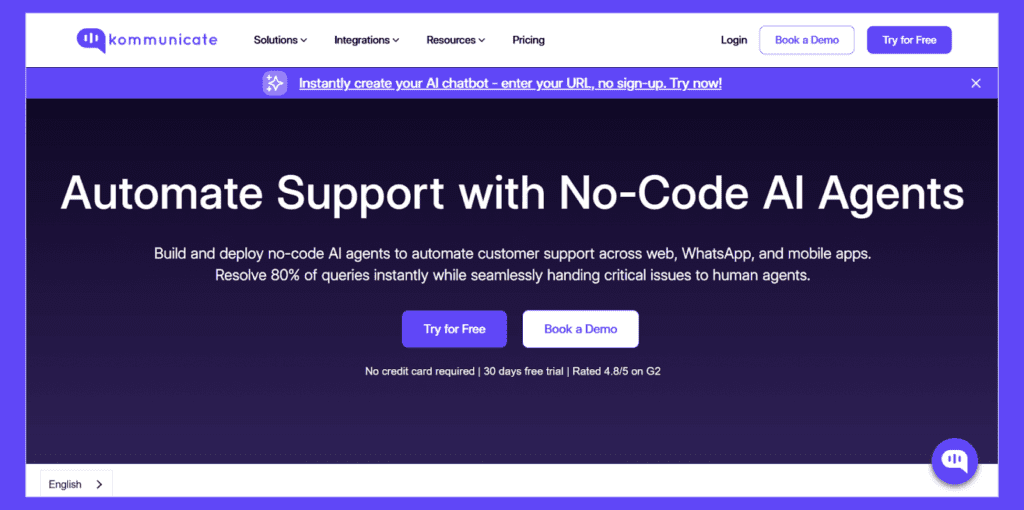
Kommunicate is Best suited for: Mid-market firms seeking a hybrid AI-human support model.
Pricing: Starts from $34/month.
Why it stands out: Kommunicate is the ultimate mediator between AI agents and your customer service representatives. It ensures a smooth, frustration-free handoff to a live agent the moment a conversation gets too complex or emotional.
Unlike most of the players on this list, Kommunicate also offers integrations with all major AI players, including OpenAI, Gemini and Anthropic.
Key Features:
- Plug-and-play integrations with WhatsApp, Line, Telegram, CRMs, and Knowledge Bases.
- Custom chat widget with branding and advanced message formats.
- Shared inbox for unified chat management.
- Proactive campaigns to engage users in real-time.
Use Case: Ideal for SaaS and e-commerce companies that want to automate FAQs but keep complex billing or cancellation issues in human hands.
Consideration: While the platform is highly scalable, some advanced enterprise integrations are reserved for the higher-tier plans.
If your goal is to automate support without making your customers feel like they are talking to a robot, this is the sweet spot. It’s the only tool I’ve tested that prioritizes the ‘hand-off’ to humans as much as the automation itself, making it perfect for teams who fear losing that personal touch.
Manab
2. Zendesk
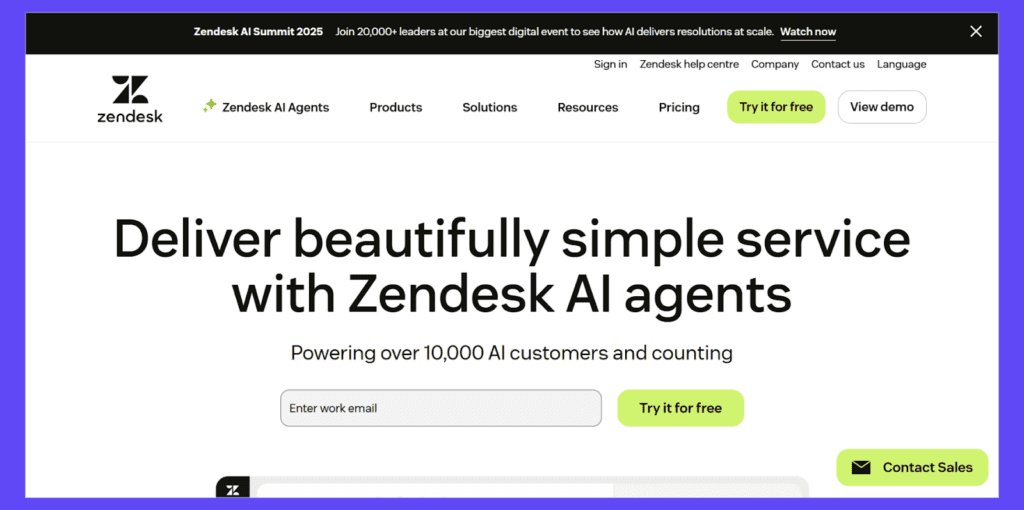
Zendesk is best suited for Mid-to-large-sized businesses that require enterprise-grade automation.
Pricing: Starts from $19/agent/month.
Why it stands out: A mature, powerful ecosystem where AI-powered automation operates consistently across every support channel.
Key Features:
- Answer Bot suggests help articles before a ticket is created.
- Advanced Triggers & Automations for assignment and prioritization.
- Flow Builder for visual workflow design.
- 1,000+ integrations in its App Marketplace.
Use Case: Global enterprises use Zendesk to deflect repetitive tickets and automate internal escalations, significantly improving Resolution Velocity.
Consideration: The platform is incredibly powerful, but this complexity can result in a steep learning curve for small teams without a dedicated system administrator.
This is the heavy artillery of support software. I recommend Zendesk if you are a large enterprise managing complex, multi-brand operations. However, for smaller teams, the setup time and admin overhead can often feel like overkill.
Manab
3. Intercom
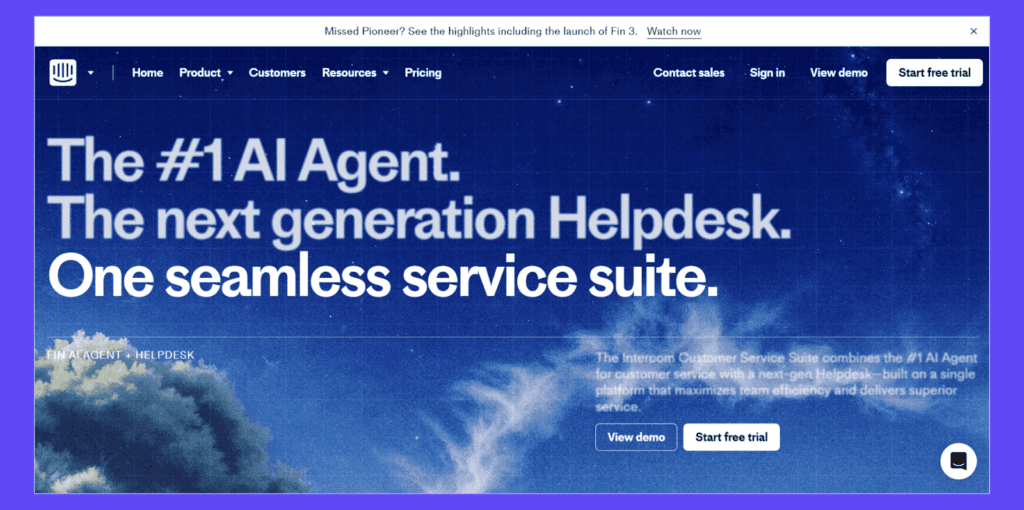
Intercom is best for: Teams focused on conversational, real-time engagement.
Pricing: Starts at $39/agent/month. An additional $0.99 for each ticket that Fin resolves.
Why it stands out: Intercom’s Fin AI bot is designed for real dialogue, automatically resolving up to 50% of common queries while maintaining a natural, brand-appropriate tone.
Key Features:
- Fin AI + Resolution Bot for contextual understanding.
- Proactive in-app and website messaging.
- Unified inbox and workflow automation.
- Product tours for onboarding support.
Use Case: Ideal for B2B and SaaS platforms that want complex in-app messaging.
Consideration: Pricing is often usage-based (especially for AI resolutions and active contacts), which can make monthly costs fluctuate for rapidly scaling B2C companies.
Intercom is visually stunning and the best in class for turning support into a sales opportunity. My advice: use it if your support team works closely with sales, but keep a close eye on your ‘active user’ counts to avoid billing surprises.
Manab
4. Freshdesk
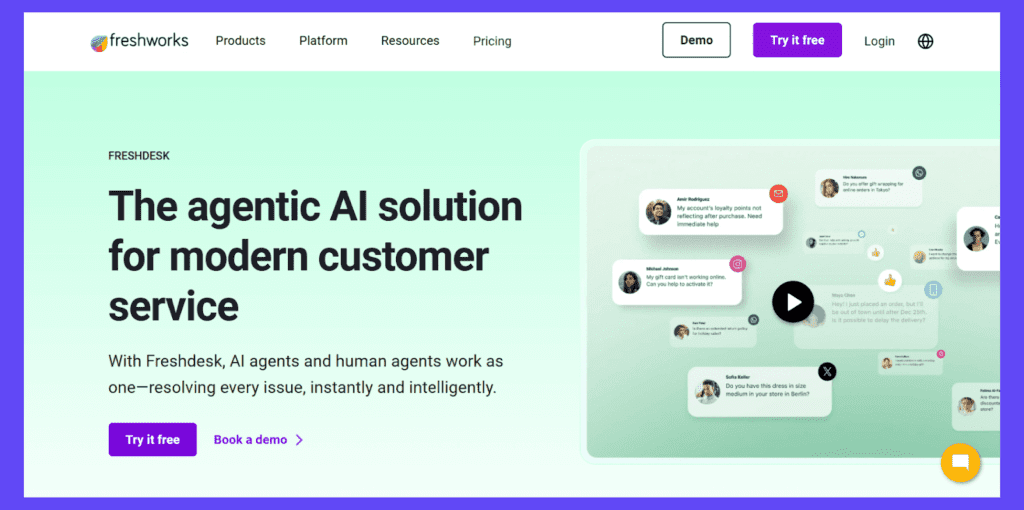
Freshdesk is best for: SMBs wanting accessible, powerful automation.
Pricing: A free plan is available; paid tiers start at $15/agent/month
Why it stands out: Freshdesk’s Freddy AI makes powerful automation simple and code-free, perfect for teams without dedicated admins.
Key Features:
- Intelligent ticket routing and prioritization.
- AI-powered suggestions and auto-responses.
- Integrated knowledge base and community forums.
- Omnichannel coverage (email, chat, WhatsApp).
Use Case: SMBs or startups that want to deploy workflow rules for smoother customer service.
Consideration: While the free tier is generous, advanced automation features and detailed reporting are often gated behind the more expensive “Pro” and “Enterprise” plans.
I always point early-stage startups here. It nails the basics of ticketing and automation without the steep learning curve. It’s not as customizable as Zendesk, but 90% of businesses won’t need that extra complexity anyway.
Manab
5. Help Scout
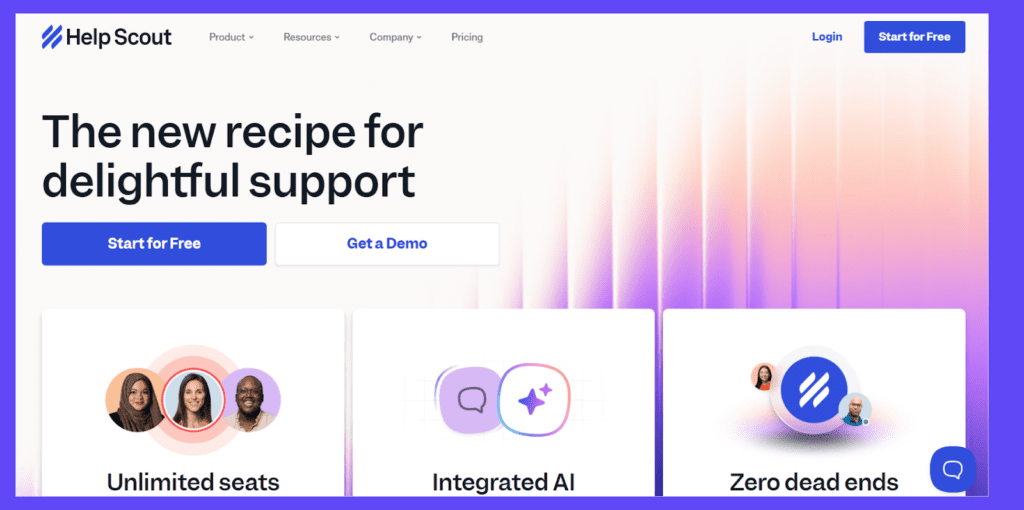
Help Scout is best for: Teams that want automation with a human touch.
Pricing: Starts from $20/user/month (Standard).
Why it stands out: Help Scout’s automation works in the background to maintain efficiency while keeping the customer experience personal and warm.
Key Features:
- Workflow rules for tagging, assigning, and prioritizing.
- Beacon for proactive help suggestions.
- Collaborative inbox built for team efficiency.
- Performance reports on automation impact.
Use Case: Used by nonprofits and B2B companies to deliver personalized help at scale.
Consideration: It focuses heavily on “human-centric” conversations, meaning it may lack some of the aggressive, complex deflection workflows found in enterprise-grade IT ticketing systems.
This is my top pick for teams that hate the word ‘ticket.’ If you want your automated emails to look and feel like personal letters written by a human, Help Scout’s ‘invisible’ automation is the way to go.
Manab
6. YourGPT
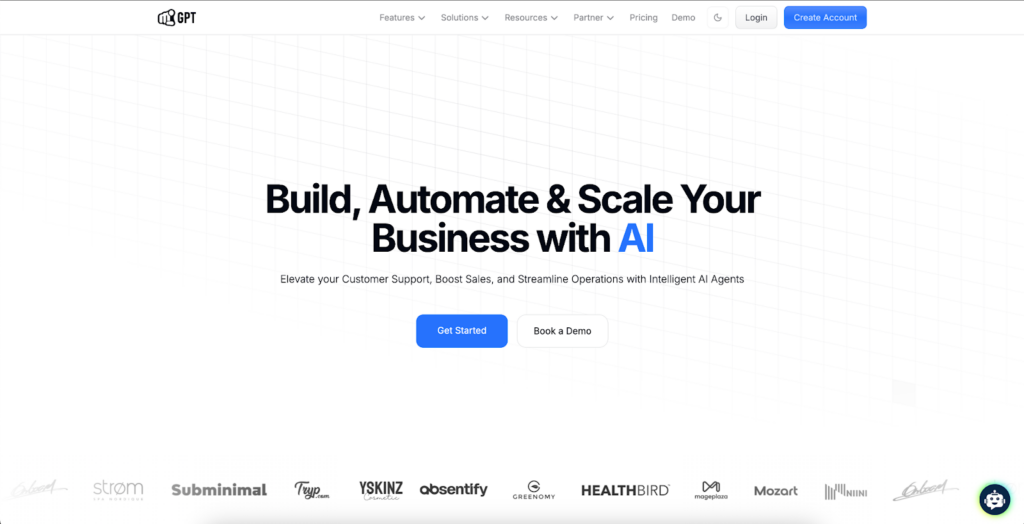
YourGPT is best for: Growing teams that want no-code omnichannel customer service automation.
Pricing: Starts from $39/user/month.
Why it stands out: YourGPT focuses on speed and accessibility. Its no-code builder allows support teams to create AI-powered support and sales workflows without depending heavily on developers. It also lets teams deploy one AI agent across channels such as WhatsApp, Instagram, Slack, Discord, Telegram, email, and web.
Key Features:
- No-code builder for creating support and sales workflows without technical expertise.
- AI Studio for building more advanced multi-step automations with API integrations and conditional logic.
- Multi-channel deployment across WhatsApp, Instagram, Slack, Discord, Telegram, email, web, and more.
- Integrations with tools such as Shopify, Stripe, Zendesk, Airtable, Zapier, and other business apps.
- Self-learning AI that can improve responses over time when trained on quality support data.
Use Case: YourGPT is useful for SaaS companies, e-commerce stores, and service businesses that want to automate routine customer questions across multiple channels without long implementation cycles. It is especially relevant for teams already using Shopify, WordPress, or modern business tools and looking for unified AI support across customer touchpoints.
Consideration: Some advanced capabilities, including custom branding, API Studio, and access to advanced AI models, are available only on higher-tier plans. It may also be more than what you need if you only want a simple single-channel bot for a narrow use case such as WhatsApp or Instagram automation. Like most AI support tools, it also depends on good training data to deliver accurate answers.
YourGPT is a strong fit for small and mid-sized teams that want to launch AI automation quickly without heavy developer involvement. I would recommend it for businesses that care about omnichannel coverage, simple setup, and transparent pricing. The main tradeoff is that teams need to keep their knowledge sources updated, especially when product documentation changes frequently.
Manab
7. Zoho Desk
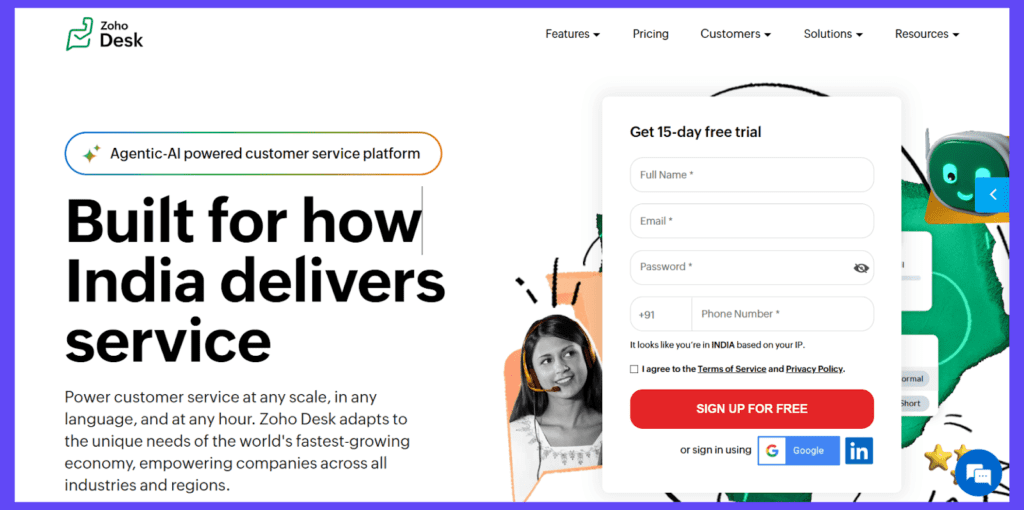
Zoho Desk is best for: Businesses already invested in the Zoho ecosystem.
Pricing: From $14/agent/month.
Why it stands out: Its context-aware automation, powered by Zia AI, uses data from your entire Zoho suite to make workflows incredibly smart.
Key Features:
- Sentiment analysis and intent detection.
- Blueprint automation for multi-step processes.
- Full integration with Zoho CRM, Books, and Projects.
- Multichannel support (email, voice, social, chat).
Use Case: Perfect for teams that need to automate workflows based on CRM data, like escalating a ticket when a deal stage changes.
Consideration: The interface is feature-dense and can feel cluttered to new users; it works best if you are already comfortable with the broader Zoho ecosystem.
To be honest, this tool makes the most sense if you are already in the Zoho ecosystem. The way Zia AI pulls data from Zoho CRM is brilliant, but as a standalone product, the interface can feel a bit dense compared to modern competitors.
Manab
8. Gorgias
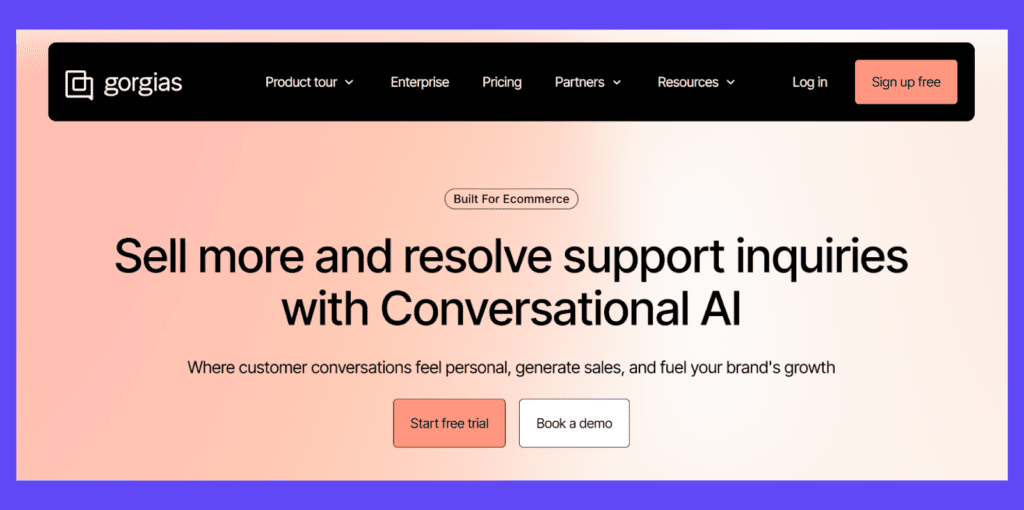
Gorgias is best for: E-commerce support automation.
Pricing: $10/user/month (Shopify); scales by ticket volume.
Why it stands out: Gorgias speaks the language of e-commerce, automating repetitive requests such as order status, returns, and refunds through deep platform integrations.
Key Features:
- Deep integrations with Shopify, Magento, and BigCommerce.
- Auto-responses for order tracking and returns.
- Macros for discounts, cancellations, and shipping updates.
- Customer sidebar with full order history.
Use Case: E-commerce brands use Gorgias to deflect over 30% of queries to self-service, directly tying support actions to revenue.
Consideration: The pricing model is ticket-volume based rather than agent-based. This is excellent for small teams with high volume, but costs can spike during seasonal rushes (like Black Friday).
If you run a Shopify store, don’t overthink it—just get Gorgias. The ability to edit orders and check shipping status directly inside the chat window saves agents massive amounts of tab-switching time that generalist tools just can’t match.
Manab
3 Overlooked Automation Playbooks
When we think of customer service automation software, chatbots and ticket routing are the first things that come to mind. But the most impactful platforms offer deeper capabilities that can transform your entire support operation. Here are three superpowers you should be leveraging.
1. Internal Knowledge Base Automation
Your team shouldn’t have to guess or waste time searching for answers. AI can automatically suggest internal articles and standard operating procedures to agents right within the ticket interface (Kommunicate’s Agent Assist does this).
- How it works: When an agent opens a ticket regarding a “refund for a damaged item,” the system instantly surfaces the internal “Damaged Item Refund Process” guide, which includes the approved apology template and the discount code limit.
- The Impact: This streamlines handling time, ensures compliance, and significantly reduces training time for new hires. It’s automation that makes your human agents smarter and faster.
2. Proactive Customer Outreach
Don’t wait for the customer to come to you. Automation can trigger proactive messages based on user behavior, turning potential problems into moments of delight.
- Real-World Example: A user has been on your “billing page” for 3 minutes but hasn’t upgraded. An automated, friendly chat message pops up: “Hi there! Have questions about our plans? I can walk you through the features and help you pick the right one.”
- The Impact: This shifts support from a cost center to a revenue driver. It reduces friction in the user experience and demonstrates that you’re attentive to customer needs before they even become issues.
3. Automated Feedback Loops
Closing a ticket shouldn’t be the end of the story. Automation can systemize the process of collecting and acting on customer feedback.
- How it works: Two hours after a ticket is resolved, an automated CSAT (Customer Satisfaction Score) survey is sent. If a customer scores their experience a 3 or lower, the system can automatically reopen the ticket, flag it for a manager, and route it back to the original agent for immediate follow-up.
- The Impact: This creates a closed-loop system that captures critical feedback at the moment of truth, ensuring that unhappy customers are never left feeling ignored. It provides actionable data to coach agents and continually improve services.
Measuring the ROI of Customer Service Automation
To prove value, you need to track the right metrics.
| Metric | What It Measures | Why It Matters |
| Resolution Velocity | Time to close a ticket | Core efficiency indicator |
| Automation-Assist Ratio (AAR) | % of tickets automated vs human | Balances automation depth |
| Customer Effort Score (CES) | Ease of getting help | Correlates with loyalty |
| Agent Relief Score | Reduction in repetitive workload | Predicts team retention |
| Deflection Rate | % of issues resolved without agents | Reflects self-service maturity |
We provide a deeper overview of this on our customer service ROI blog.
The Future of Customer Service Automation
We covered the future of customer service automation in a previous article, so we will provide a brief overview of our points here.
1. The most significant evolution will occur as we transition from reactive to predictive support. The new AI customer service tools don’t just respond, they anticipate problems and fix them. By learning from historical patterns and customer tone, automation can now detect frustration or urgency and escalate issues before they escalate into public complaints.
2. AI models are evolving to use computers and browsers better, which indicates that IT services (even incident reports and bug fixes) might be fully automated in a few years.
3. Multilingual and specialized AI agents tailored to specific demographics are gaining popularity, and it will be an interesting space to watch.
4. Voice support that moves beyond IVR is a reality now and is working its way into most enterprises.
Technology in general is evolving to meet the increasing demands of customers, and that is going to play a huge role in customer service going forward.
Final Thoughts: Automate for Empathy and Impact
Customer service automation software is more than a technical upgrade; it’s an operational necessity for building a resilient, human-centric support team.
The goal isn’t to automate everything, but to automate intelligently. By removing the cognitive load of repetitive tasks, you free your team to focus on the complex, empathetic conversations that build lasting customer loyalty.
Whether you choose Zendesk’s enterprise power, Intercom’s conversational intelligence, or Kommunicate’s bot-human harmony, you’re investing in two things: happier customers and a happier team.
If you need our help to build your customer service tech stack, feel free to book a demo with us.
Frequently Asked Questions
1. What is customer service automation software?
Customer service automation software is a technology that manages and resolves customer inquiries without human intervention. It uses defined workflows, triggers, and AI (Artificial Intelligence) to handle repetitive tasks like resetting passwords, routing tickets, or answering FAQs. The goal is not to replace human agents but to remove routine tasks from their plate, allowing them to focus on complex, high-empathy conversations.
2. What is the difference between AI Agents and basic automation?
Basic automation follows strict “if-this-then-that” rules (e.g., “If a ticket contains the word ‘Billing’, assign to Finance”). AI Agents, however, are autonomous. They can reason, understand context, and make decisions without rigid scripts (e.g., “The customer seems frustrated about a late delivery; I will check the shipping status, apologize, and offer a refund based on company policy”).
- Automation = Rigid, Rule-Based.
- AI Agents = Flexible, Outcome-Based.
3. How much does customer service automation software cost in 2026?
Pricing models have shifted in 2026. Most software follows one of two models:
- Per-Agent Pricing: Traditional models (like Zendesk or Freshdesk) typically range from $15 to $115 per agent/month depending on feature sets.
- Per-Resolution Pricing: Newer AI-first models (like Intercom Fin) charge based on success, often costing around $0.99 per AI-resolved query.
- Hybrid: Platforms like Kommunicate often combine these, offering a base platform fee plus usage costs for AI generative tokens.
4. Can AI fully replace human customer service agents?
No, AI cannot fully replace human agents. While AI can successfully automate 70-80% of Tier 1 queries (FAQs, status checks), it lacks the emotional intelligence required for sensitive situations. The industry standard for 2026 is a “Human-in-the-loop” model, where AI handles the volume and humans handle the value.

Manab is the Head of Go-To-Market (GTM) at Kommunicate, with over 12 years of professional experience. He collaborates closely with the engineering, sales, and marketing teams to deliver and position Kommunicate’s AI solutions effectively in the market.
Prior to joining Kommunicate, he worked at Cvent, an enterprise event management software company, and Entropik, an emotion AI company that helps brands understand and interpret consumer emotions.