Updated on August 3, 2026
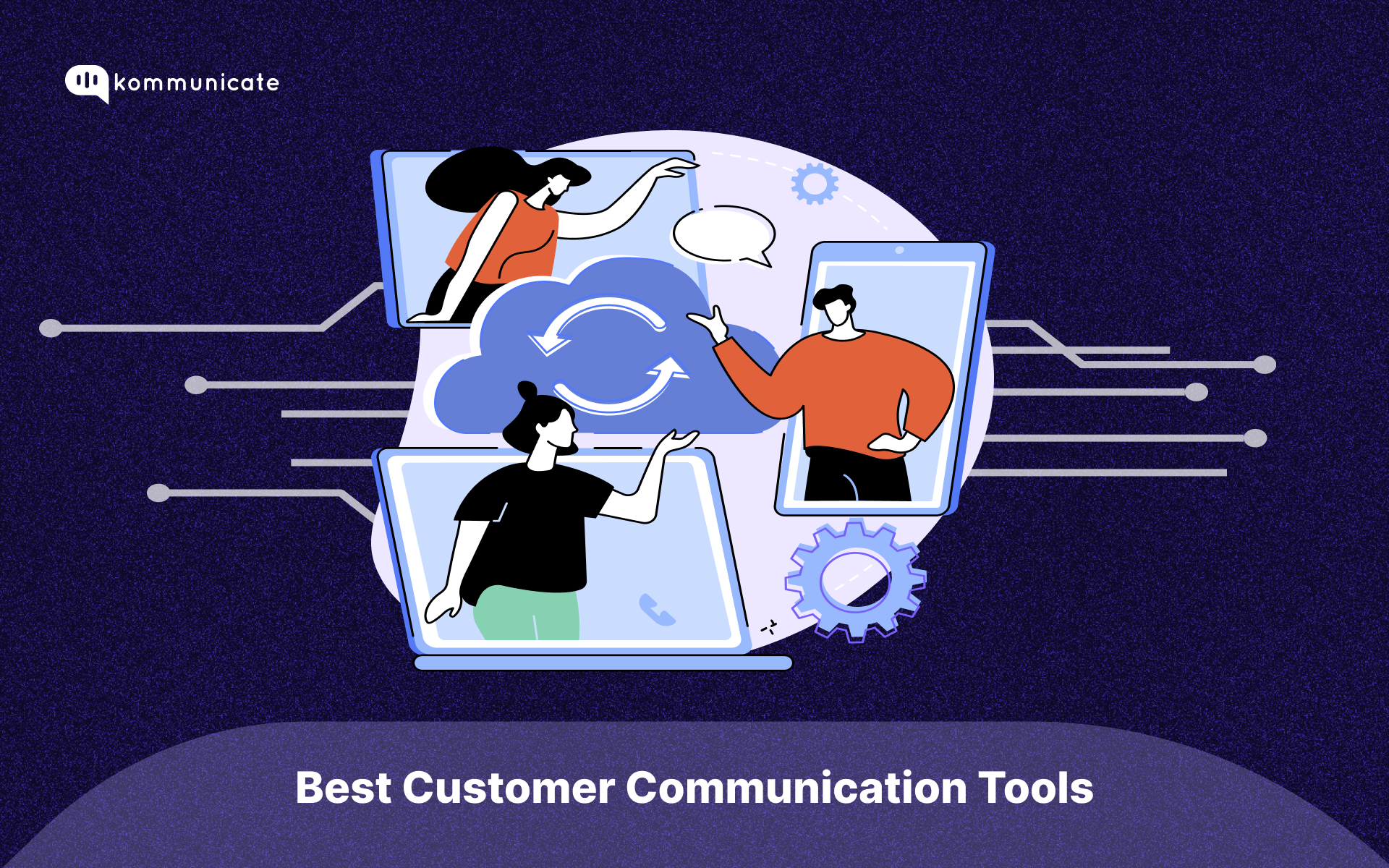
Customer Communication tools, such as AI-powered chatbots and customer support software, refer to specific platforms businesses use to connect with customers. These platforms range from marketing channels (e.g., social media marketing tools) to ticketing systems (like helpdesk software).
Businesses use these communication platforms to:
1. Convey information to customers
2. Create meaningful relationships with customers
3. Offer personalized
4. Simplify customer journeys
5. Gather customer feedback
These processes and the communication tools that help process them have grown more complicated over the past few years to keep pace with rising customer demand.

So, in this article, we’ll decode the customer communication tech stack and recommend the best customer communication tools for 2026 that we’ve tried and tested over the past few years.
Types of Customer Communication Tools & Tech Stack
Businesses use a wide range of platforms to manage communication. So, let’s explore the most common communication tech stack for businesses.
Most businesses use the following software to manage their processes:
1. Live Chat Tools – With the advent of generative AI solutions, live chat has become a popular way for customers to interact with businesses. These options are usually self-service and provide directions to the customer so that they can troubleshoot their problems using your documents and knowledge base.
2. Ticketing Platform – One of the most crucial parts of customer support, these platforms store all customer issues and allow you to prioritize and solve them in an orderly manner. AI-powered email ticketing can enhance the process by automating ticket creation and routing to the appropriate support agents, ensuring quicker resolution times.
3. Email Marketing Platform – Platforms like Active Campaign, Venturz, mailercloud and Mailtrap help businesses automate their email marketing efforts through automation.
4. Social media marketing platforms – This includes a wide range of applications that allow you to connect with your customers on social media. These platforms will enable you to schedule social media posts, run ads, and send messages.
4. Customer Relationship Management (CRM) Systems – CRMs form the base of a lot of business. They are used to store lead information, market to leads, and streamline workflows around the purchasing process.
6. SMS and Mobile Messaging – Mobile messaging and SMS are common ways to talk to your customers about anything urgent. Since around 70% of the world uses smartphone software that connects with messaging apps like WhatsApp and Line, businesses typically rely on an sms gateway api to ensure these messages are delivered quickly and reliably at scale.
7. VoIP and Video Software – Phone calls and video are popular methods to connect with customers. Several software suites (like Teams and Zoom) provide these business functionalities, and integrating a click to call feature can further streamline customer interactions and improve accessibility. If your team also needs a dedicated business phone number, Unitel Voice gives small businesses features like auto-attendants, call routing, business texting, and voicemail, making it easier to manage customer communications from any device.
8. Feedback and Survey Platforms – Platforms like Survey Monkey allow businesses to get feedback about their products and services or conduct surveys for market research. You can also look at some SurveyMonkey alternatives if you need tools with more advanced features. These tools are used to provide proactive support to customers.
Most businesses we serve have these functionalities embedded into their tech stack for customer communication. However, this list is significant, and finding a platform that fits all your needs is necessary.
So, let’s discuss the five best customer communication tools for your business.
Best Customer Communication Tools
Based on our testing, here are the top 5 customer communication tools for 2026:
- Kommunicate: Best for AI + Human automation and chatbots.
- Intercom: Best for large-scale enterprise ticketing.
- Zendesk: Best for traditional support desks.
- HubSpot: Best for all-in-one CRM integration.
- Freshworks: Best for omnichannel support.
As practitioners in the space, we use multiple customer communication platforms. We’ve hand-tested the following to give you the five tools that fit most of the use cases described above.
Evaluation Criteria
We’ve evaluated these top communication tools on four criteria that are important to most businesses:
1. Integration-Friendly – We’ve looked at how many integrations are available with each platform and if they can be implemented without technical knowledge.
2. Training Requirement – While most software requires some training, we’ve pointed out the ones that require extensive training to implement correctly.
3. Pricing – We’ve checked the pricing for these tools to help you understand which tool suits your budget.
4. Data Protection – We’ve checked the level of data security these platforms provide and the certifications they have,
Read on to see which products made it to our listing.
Result Summary
| Software | Integration-Friendly | Training Required | Data Protection | Pricing |
| Kommunicate | Yes, no-code integrations | No, easy onboarding | GDPR, HIPAA, and SOC2 compliant | Full functionality at $100/month for two agents |
| Intercom | Yes, some technical know-how is needed | Yes | CSA, SOC2, HDS, and HIPAA compliant | Limited plans start at $39/agent/month |
| Zendesk | Yes, some coding is required | Yes | Compliant, but requires add-on purchase | Limited plans start at $55/agent/month |
| Hubspot | Yes, no-code integrations | Yes | CCPA, GDPR, SOC 2, and SOC 3 compliant | Basic plan at $15/agent/month |
| Freshworks | Yes, coding required | No, easy onboarding | SOC2, GDPR, PCI-DSS, CSA, and SIG compliant | Basic plan at $29/agent/month |
Now that you have a brief overview of the results let’s look at a more in-depth picture.
In-Depth Review: Best Customer Communication Tools
1. Kommunicate
Our personal bias aside, Kommunicate is a strong platform for businesses that want to improve customer communication with controlled AI automation. It helps support teams use no code AI agents to handle routine customer queries, while keeping humans in the loop for complex conversations through seamless escalation and full context handoff.
You can connect Kommunicate across a wide range of channels and tools, and it works well as a plug and play system for teams that want to go live quickly. With features like multichannel integrations, bot to human handoff, and strong privacy and security practices, Kommunicate is a practical choice for teams that need customer communication to stay reliable at scale.
Features
- NLP and AI powered customer communication with no code AI agents
- Kompose builder for designing chatbot and AI agent flows without coding
- Live chat with agent collaboration features
- Security and compliance support aligned with GDPR, HIPAA, and SOC2 expectations
- Mobile app support for teams that operate on the go
- Support ticketing workflows for escalations and follow up
- Automated feedback capture to measure customer experience
- Live analytics dashboard to track performance and outcomes
- Real time communication tracking across channels
Pros
- No code setup that works well for non technical teams
- Strong bot to human handoff that preserves conversation context
- Multichannel support across web, WhatsApp, and other messaging channels
- Good balance between automation and human oversight for customer communication
Cons
- Advanced workflows may require additional configuration during initial rollout
- Teams may need time to optimize training content for consistent accuracy
Pricing
- Free trial available for 30 days
- Starter plans start at 34 dollars per month
- Professional plans start at 167 dollars per month
- Enterprise plans offer customizable pricing based on scale, security, and data hosting needs
Kommunicate offers flexible pricing plans to suit different business needs.
2. Intercom
Intercom is one of the most significant players in the Customer Communication Platform business. With the launch of their chatbot Fin, they also offer AI chatbot services. They also provide comprehensive ticketing solutions and a wide breadth of integrations. In addition, they offer AI-based email writers and a copilot for your agents, so you can run your email marketing campaigns natively without leaving the platform.
Features
- Generative AI chatbot
- Comprehensive ticketing system
- Live Chat
- Deep integrations
- Analytics dashboard
- SOC2, CSA, HDS, and HIPAA compliant
- IOS certified
- Email marketing automation
- Copilot for agents
Pricing
The core ticketing platform has the following plans.
- Essential – $39/agent/month
- Advanced – $99/agent/month
- Expert – $139/agent/month
You must pay extra to access generative AI capabilities, email automation, and omnichannel messaging. You can calculate your probable spending with this calculator.
3. Zendesk
Zendesk is another major player which offers a comprehensive ticketing system for your business. It has advanced features around email automation and provides an zendesk AI chatbot.
Features
- AI chatbot for live chatbot
- Email automation
- Omnichannel integrations
- Analytics dashboard
- Support Ticketing System
Pricing
The base plans are:
- Team – $55/agent/month
- Growth – $89/agent/month
- Professional – $115/agent/month
- Enterprise – Customized pricing
You will need to pay additional fees for the following features:
- Advanced AI – $50/agent/month
- Workforce Management – $25/agent/month
- Quality Assurance with AI – $35/agent/month
- Advanced data privacy and protection – $50/agent/month
4. HubSpot
HubSpot started as an email marketing platform but has evolved into an end-to-end business suite. Not only does it offer a suite for support ticketing, but it also has live dashboards and a knowledge base management offering built into the product.
It also has AI and automation features alongside an interactive live dashboard that you can use for analytics.
Features
- No-Code implementation
- Large marketplace for integrations
- Live data visualization dashboard
- Ticketing platform
- AI chatbot
- CCPA, GDPR, SOC 2, and SOC 3 compliant
- Knowledge Base management

Pricing
We’re including the pricing for the customer platform that provides most of HubSpot’s features:
- Free tools – $0/month
- Starter Platform – $15/seat/month
- Professional Platform – $1170/month (with five seats)
While the Starter plan is cheap, it has limited access to the HubSpot platform and lacks several crucial features.
5. Freshworks
Freshdesk was built to be a customer communication platform that serves businesses of all sizes. So, it has a customizable suite of features that cover everything from ticketing to email automation. The newly incorporated FreshChat also adds an AI-enabled chatbot to the mix, making it an excellent customer communication platform.
Features
- Live chat and AI chatbot
- Ticketing system
- Email automation
- Omnichannel messaging
- Live analytics dashboard
- SOC2, GDPR, PCI-DSS, CSA, and SIG compliant
- IOS certified
Pricing
The base plans available are:
- Growth – $29/agent/month
- Pro – $69/agent/month
- Enterprise – $109/month
However, there are some add-ons you need to purchase to enable enhanced functions around calling and AI chatbots.
Conclusion: Choosing the Right Communication Tool
Businesses are using customer communication tools to meet the rising customer demands. Given the current landscape, it’s easy to point out the types of features that a business should look for in its customer communication tools.
However, given the variety of solutions available, it becomes challenging to choose core platforms that can fulfill most of the use cases under customer communication.
We worked with our tech team to evaluate multiple tools for their efficiency and pricing and are presenting you with the five we loved. These products will offer full functionality and provide solid ground to scale your customer communication efforts.
If Kommunicate fits your needs best, we have a 30-day free trial so that you can test our product.
Frequently Asked Questions
1. What are examples of customer communication tools?
Customer communication tools are software platforms that enable businesses to interact with their clients across various channels. The most common examples include:
- Live Chat & Chatbots: (e.g., Kommunicate, Intercom) for real-time website support.
- Ticketing Systems: (e.g., Zendesk) for tracking and resolving complex customer issues.
- Email Marketing Platforms: (e.g., HubSpot) for sending newsletters and automated campaigns.
- CRM Systems: (e.g., Salesforce) for managing customer data and relationships.
- Messaging Apps: (e.g., WhatsApp Business API) for mobile-first communication.
2. How do I choose the best customer communication software?
To choose the right communication software, focus on these four key factors:
1. Integration capabilities: Ensure it connects seamlessly with your existing CRM and tech stack.
2. Scalability: Look for tools that can grow with your team, offering features like AI automation to handle increased volume.
3. Ease of use: Select a platform with a low learning curve to reduce agent training time.
4. Omnichannel support: Choose a tool that centralizes messages from email, chat, and social media into one dashboard to prevent data silos.
3. What is the role of AI in customer communication?
AI enhances customer communication by automating repetitive tasks and providing 24/7 support. AI-powered chatbots can instantly answer FAQs, qualify leads, and route complex queries to human agents. This “hybrid” approach reduces response times (FRT) and allows support teams to focus on high-value conversations rather than answering the same routine questions repeatedly.
4. What is the best customer communication tool for small businesses?
For small businesses, the best tool is one that balances cost with functionality. Kommunicate and Freshworks are popular choices because they offer affordable entry-level plans, no-code setup, and essential features like live chat and bot automation without the complexity of enterprise-grade systems like Salesforce.

A Content Marketing Manager at Kommunicate, Uttiya brings in 11+ years of experience across journalism, D2C and B2B tech. He’s excited by the evolution of AI technologies and is interested in how it influences the future of existing industries.