Updated on June 26, 2026
Healthcare organizations with diverse patient populations often miss two channels their patients already use:
If your patient support chatbot only lives on your website and WhatsApp, you’re already excluding a meaningful slice of the population you serve.
However, healthcare providers with a diverse international audience often miss out on two platforms:
- A hospital network serving Eastern European, Russian-speaking, or Filipino communities will have patients who default to Viber for messaging.
- A clinic with a significant Japanese, Thai, or Taiwanese patient population will have patients who use Line.
Viber has hundreds of millions of active users concentrated in specific regions, and Line is the dominant messaging platform across much of East and Southeast Asia. If your chatbot isn’t there, you’re asking those patients to switch apps just to talk to you, and a lot of them won’t.
The good news is that these channels can be onboarded without changing anything on your backend. In this article, we’ll talk about why and how you should approach adding these platforms to your customer communications. We’ll talk about:
- The channel gap most healthcare providers don’t notice
- You don’t need an IT team to build Viber or Line chatbots
- How to connect a patient support chatbot with Viber and Line?
- How to track if the new channels are working?
- Conclusion
The channel gap most healthcare providers don’t notice
Most healthcare organizations build out their patient communication channels in a predictable order.
- Website chat first
- WhatsApp (because patients ask for it directly)
- SMS or email
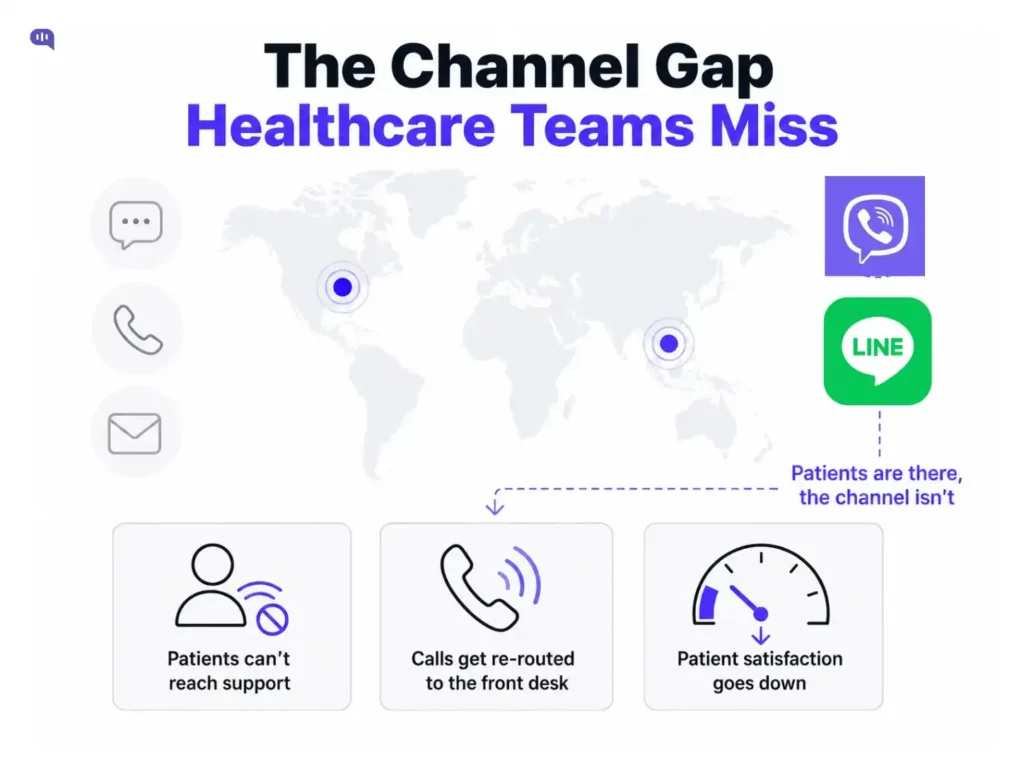
Viber and Line rarely make that list, not because they’re unimportant, but because nobody on the team is actively using them, so nobody thinks to ask.
This is a visibility problem. Patients on Viber or Line aren’t messaging your clinic through those apps and getting ignored. They’re avoiding contact altogether, calling your front desk during business hours, or asking a family member to translate and relay messages through WhatsApp instead.
That friction shows up as call center load, as no-shows from patients who couldn’t easily confirm appointments, and as lower satisfaction scores from a segment of patients you might not even be measuring separately.
The scale here isn’t trivial:
- Rakuten last reported Viber’s user base at over 200 million monthly active users back in 2014, and while the company hasn’t released updated figures since, third-party estimates for 2025 range as high as 800 million, with consistently strong adoption across Russia, Eastern Europe, Greece, and the Philippines.
- Line’s numbers are better documented: LY Corporation reported 194 million monthly active users as of March 2025, and it remains the leading messaging app in Japan, with significant reach across Taiwan, Thailand, and Indonesia.
The fix starts with a simple question: pull your patient demographic data and check it against where Viber and Line have strong regional penetration.
- If you serve patients from Eastern Europe, the Middle East, Israel, or the Philippines, Viber is worth a look.
- If you serve Japanese, Thai, Taiwanese, or Indonesian patients, Line almost certainly matters.
Having detailed demographic data will give you a better idea about where your patient support chatbot should be deployed. And when you make that decision, making that change doesn’t require heavy IT deployment.
You don’t need an IT team to build Viber or Line chatbots
Once the demand case is clear, the next question is usually about cost: what does it actually take to get a bot live on Viber or Line?
For most teams, the honest expectation is that this looks like a project. A timeline, a developer, a sprint to rebuild the intake flow and FAQ logic for the new channel, then QA to make sure it behaves the same way it does everywhere else.
That expectation is what keeps Viber and Line off the roadmap, even after a team agrees the patients are there. Nobody wants to open a new workstream for a channel that might only serve a fraction of their patient base.
With Kommunicate, the bot you’ve already built for your website or WhatsApp doesn’t get rebuilt or recreated when you add a new channel.
The same Kompose flow runs on every channel you connect. Connecting Viber or Line is a configuration step, not a development project. You’re not maintaining three versions of your appointment scheduling flow or your insurance FAQ logic. You’re maintaining one, and it shows up everywhere your patients already are.
| What Teams Expect | What Actually Happens |
|---|---|
| Rebuild the bot flow for each new channel | The existing flow runs unchanged on the new channel |
| Maintain separate FAQ and escalation logic per channel | One flow, one set of logic, multiple channels |
| Weeks of development per channel | Connection happens through the dashboard in under an hour |
| Risk of flows drifting out of sync across channels | No drift, because there’s only one flow |
This matters specifically for healthcare, where consistency isn’t just a nice-to-have. With our patient support chatbots, your customer communications channels give the same consistent answers across every channel, every time.
How to connect a patient support chatbot with Viber and Line?
Both Viber and Line follow the same basic pattern, and neither requires touching your bot’s underlying logic.
Viber
- Start by creating a bot account at partners.viber.com, which generates an API token.
- Enter that token into the Viber integration section of your Kommunicate dashboard.
- Once connected, you publish the bot from within the Viber app.
Line
- In the LINE Developers console, set up a Messaging API channel and retrieve the relevant credentials.
- Enter those credentials in the Line integration section of your Kommunicate dashboard, and the connection is active from there.
In both cases, the work is account setup and credential entry, done once. There’s no flow-building step, because the flow already exists.
For a team that’s already comfortable navigating their Kommunicate dashboard, this is realistically a sub-hour task per channel, including the time spent setting up the bot account on the Viber or Line side itself.
If you want to build a chatbot using Kompose, we also have a guide that will help you through each step of the process.
How to track if the new channels are working?
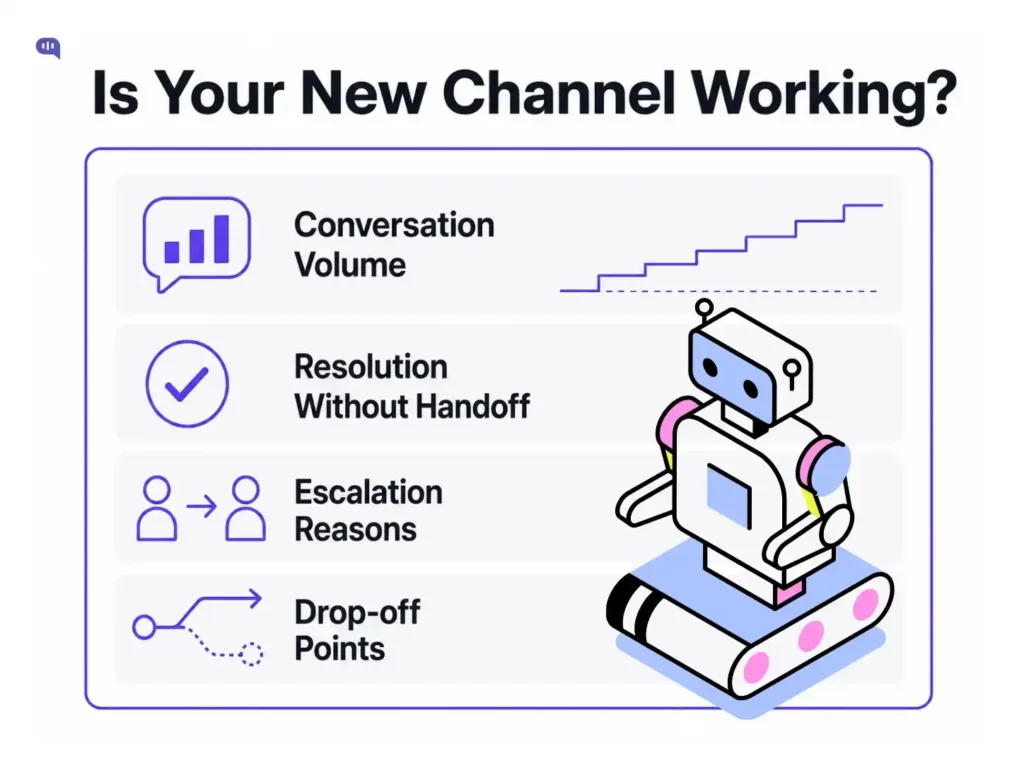
The metrics worth watching are the same ones you’d track for any channel:
- Conversation volume
- Resolution rate without human handoff
- Escalation reasons
- Drop-off points
What’s different with a newly launched channel is the baseline. Don’t expect Viber or Line to match your website chat volume in week one. The patients who’ll use these channels are often the ones who weren’t engaging with your existing channels at all, so growth here tends to be additive rather than cannibalizing your other channels’ traffic.
| Metric | What to Watch for in a New Channel |
|---|---|
| Conversation volume | Gradual growth as awareness spreads, not an immediate spike |
| Resolution without handoff | Should track close to your established channels if the flow is genuinely shared |
| Escalation reasons | Watch for channel-specific issues, like patients expecting a human because the app feels more personal |
| Drop-off points | Compare against the same flow on other channels to spot channel-specific friction |
If resolution rates on the new channel lag noticeably behind your established channels despite running the identical flow, that’s usually a signal about the channel’s UX (how messages render, how quickly patients expect replies) rather than the bot logic itself, since the logic hasn’t changed.
The patients reaching you through Viber or Line were often the hardest ones to reach before. Getting the channel connection right is the easy part. Making sure those patients get the same quality of support as everyone else is the part worth paying attention to.
Conclusion
For healthcare organizations serving diverse populations, channel coverage isn’t a nice-to-have feature; it’s part of equitable access. If a patient can only reach you through an app they don’t use, they’re effectively locked out of support, even if your bot is excellent everywhere else.
Extending to Viber and Line doesn’t have to compete with your other priorities for engineering time. Since your existing bot flow carries over automatically, the work is mostly about connecting the channel and watching how patients respond.
If you’d like to see how this works with your own bot flows, book a demo with Kommunicate, and we’ll walk you through connecting a new channel end-to-end.

Devashish Mamgain is the CEO & Co-Founder of Kommunicate, with 15+ years of experience in building exceptional AI and chat-based products. He believes the future is human and bot working together and complementing each other.